
Best Content Calendar Tools (2026)
We evaluate 10 content calendar tools — Planable, Notion, Buffer, Hootsuite, and more — by calendar type, approvals, pricing, and team fit so you can pick the right tool

A content calendar tool is software that organizes planned content by date, channel, owner, status, and campaign, and may also support creation, review, publishing, and performance tracking. The "best" tool depends on your core need: Planable excels at approval-heavy collaboration, Notion offers the most flexible editorial planning hub, and Buffer delivers the simplest path from draft to published social post. This guide evaluates 10 tools against consistent criteria so you can match a product to the workflow problem you need to solve.
How we selected these tools
Every tool on this list was evaluated against six dimensions: calendar type (planning only, publishing only, or both), collaboration and approval features, free-plan usability (including its most meaningful limitation), pricing transparency (unit, billing cadence, and cost triggers), integrations with social networks, CMS, and productivity platforms, and suitability across team sizes from solo creator to enterprise.
Pricing was checked on or near August 6, 2026, using each vendor's official pricing page. Prices may change; confirm before purchasing. Annual billing is assumed unless stated otherwise.
No generic star ratings are used. Each tool is assessed by verified capabilities drawn from official product and documentation pages, not third-party claims alone.
Planning vs. publishing: choose the calendar type first
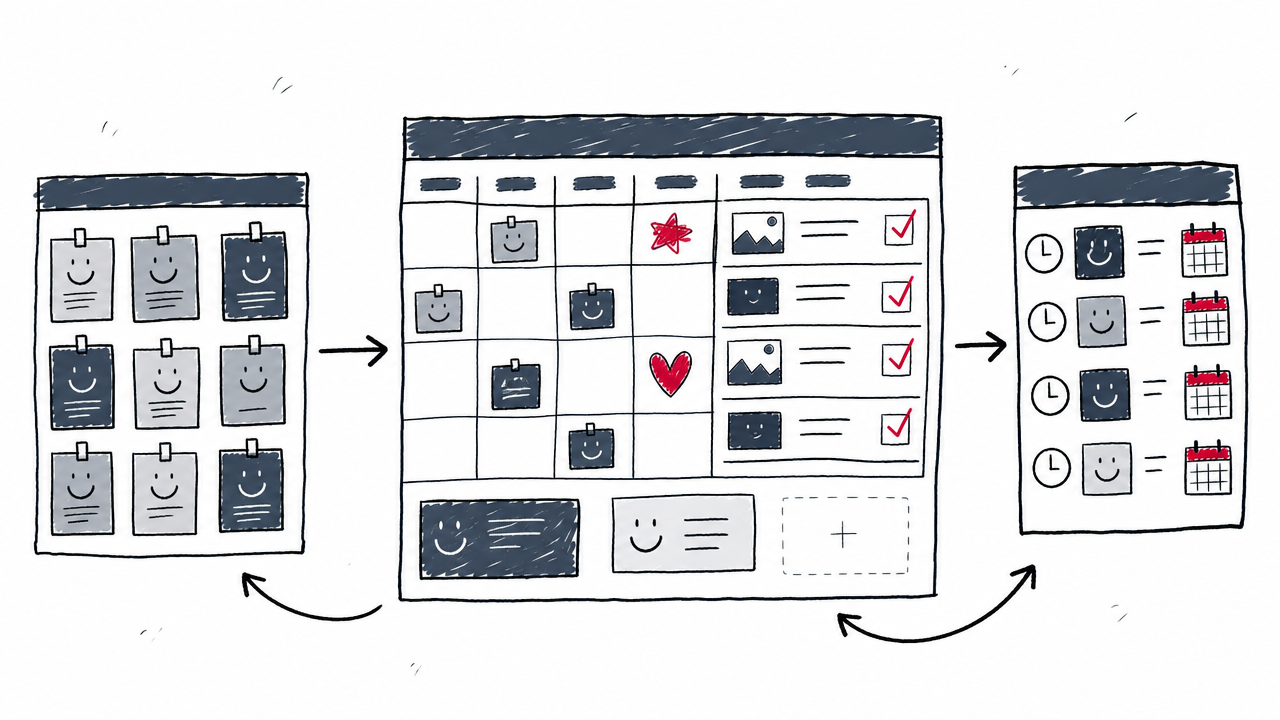
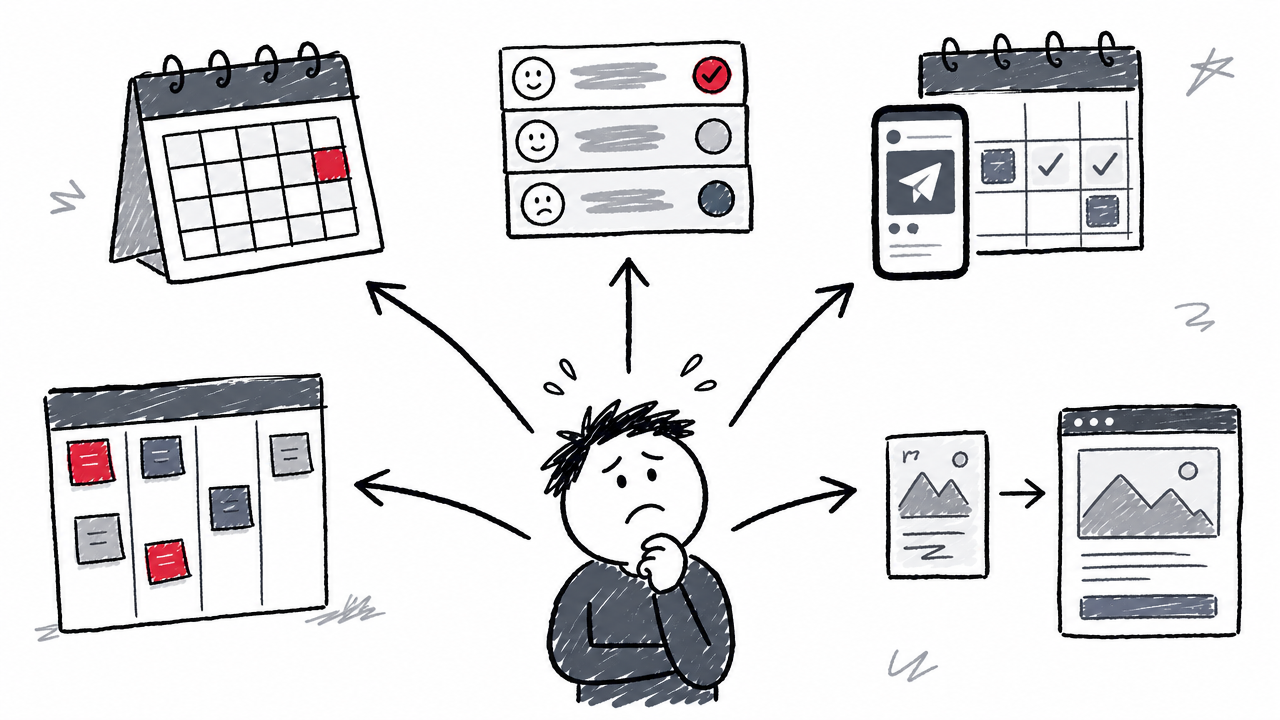
The biggest mistake in choosing a content calendar tool is comparing products that do very different things. A Notion database and a Hootsuite dashboard are not substitutes for each other; they solve different parts of the content lifecycle.
General-purpose editorial/content planning tools (Notion, Airtable, Asana, ClickUp, Trello) organize deadlines, briefs, assignees, and statuses. They manage the production workflow but do not push posts live to social networks.
Social-first publishing calendars (Buffer, Hootsuite, Planable, CoSchedule) connect directly to platforms such as Instagram, LinkedIn, and X/Twitter to schedule and auto-publish posts from inside the calendar.
Design-led planners (Canva Content Planner) merge graphic creation with scheduling, removing the export step between designing an asset and publishing it.
Many teams get better results by combining a planning tool with a publishing tool: for example, Notion for editorial strategy and Buffer for social scheduling. When a single tool cannot handle both ends well, a two-tool stack is often smarter than forcing a compromise. For a deeper look at structuring this kind of workflow, see our guide on AI Content Calendar & Planning: The Complete Guide.
Quick comparison table
All prices assume annual billing. Pricing units vary: per user, per channel, per workspace, or per person. See each tool's section for details.
The 10 best content calendar tools
Planable: best for approval-heavy collaboration
Best for teams that need structured content review and visual proofing before anything goes live. Planable provides a visual calendar with multi-format content preview across social posts, blog articles, newsletters, and more. Its standout feature is real-time collaboration: team members and external stakeholders can comment directly on content, and approval workflows (none, optional, required, multi-level) ensure nothing publishes without sign-off.
Workspace-based pricing means unlimited users within each workspace, making it cost-effective for agencies with large teams. The calendar supports drag-and-drop rescheduling and auto-publishing to major social networks.
Key limitation: Planable is built around collaboration and approvals. Solo creators who just need a simple idea database may find it more structured than necessary.
Pricing: First 50 posts free (no time limit, no credit card). Paid plans from $33/workspace/month (Planable pricing). Source: Planable universal content calendar.

Notion: best flexible editorial hub
Best for teams that want a single workspace for briefs, strategy docs, assets, and a customizable editorial calendar. Notion's database-driven approach lets you build a content calendar with calendar, board, list, and table views, then add custom properties for writers, deadlines, content type, SEO keywords, funnel stage, and more.
The standout trait is extreme customizability: link a content calendar to a campaign tracker, a brief template library, or a brand guidelines wiki, all in one workspace. Notion AI can assist with brainstorming and drafting.
Key limitation: Notion requires setup discipline. It does not publish natively; you will need a separate tool to schedule and auto-publish social posts. Learn how to build an AI content calendar using Notion's database structure.
Pricing: Free $0/member; Plus $10/member/month; Business $20/member/month (Notion pricing). Source: Notion content calendar guide.
Airtable: best database-driven content operations
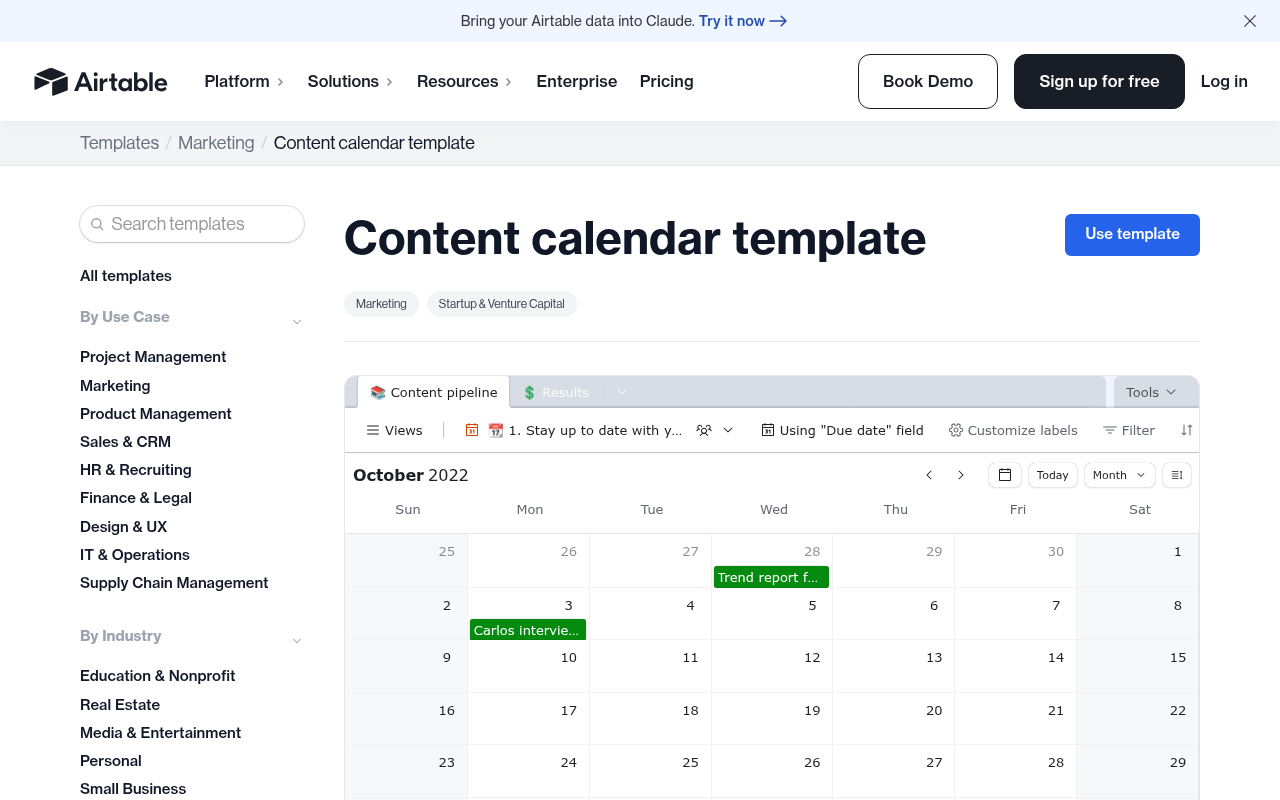
Best for marketing teams that need relational data linking campaigns to individual content assets, with performance tracking built in. Airtable's content calendar template includes a content pipeline, calendar view, asset repository, custom fields, and performance columns (CPC, spend, clicks, impressions, CPM). Linked records let you connect a single campaign to every blog post, email, and social asset it produces.
AI features help generate content within the platform, and automations can trigger notifications, status changes, or integrations when a record moves through the pipeline.
Key limitation: Airtable demands more configuration than a simple drag-and-drop calendar. Editor-seat pricing ($20/seat/month on the Team plan) adds up as the team grows.
Pricing: Free (1,000 records/base, 5 editors, 100 automation runs); Team $20/seat/month annual (Airtable pricing). Source: Airtable content calendar template.
Asana: best for teams already in project management
Best for teams that already coordinate work in a project-management tool and want to add editorial workflow without adopting a new platform. Asana's content calendar uses tasks with owners, due dates, custom rules, templates, and approval actions. Calendar and timeline views provide visual scheduling, while dashboards track progress across campaigns.
The standout feature is automated assignment and handoff rules: when a writer marks a draft "ready for review," Asana can auto-assign it to an editor and notify the approver, removing manual chasing.
Key limitation: Asana is a full work-management system designed for broad project coordination. It plans content well but does not auto-publish to social networks.
Pricing: Personal $0 (2 users); Starter $10.99/user/month annual; Advanced $24.99/user/month annual (Asana pricing). Source: Asana Content Calendar.
Buffer: best lightweight social media scheduler
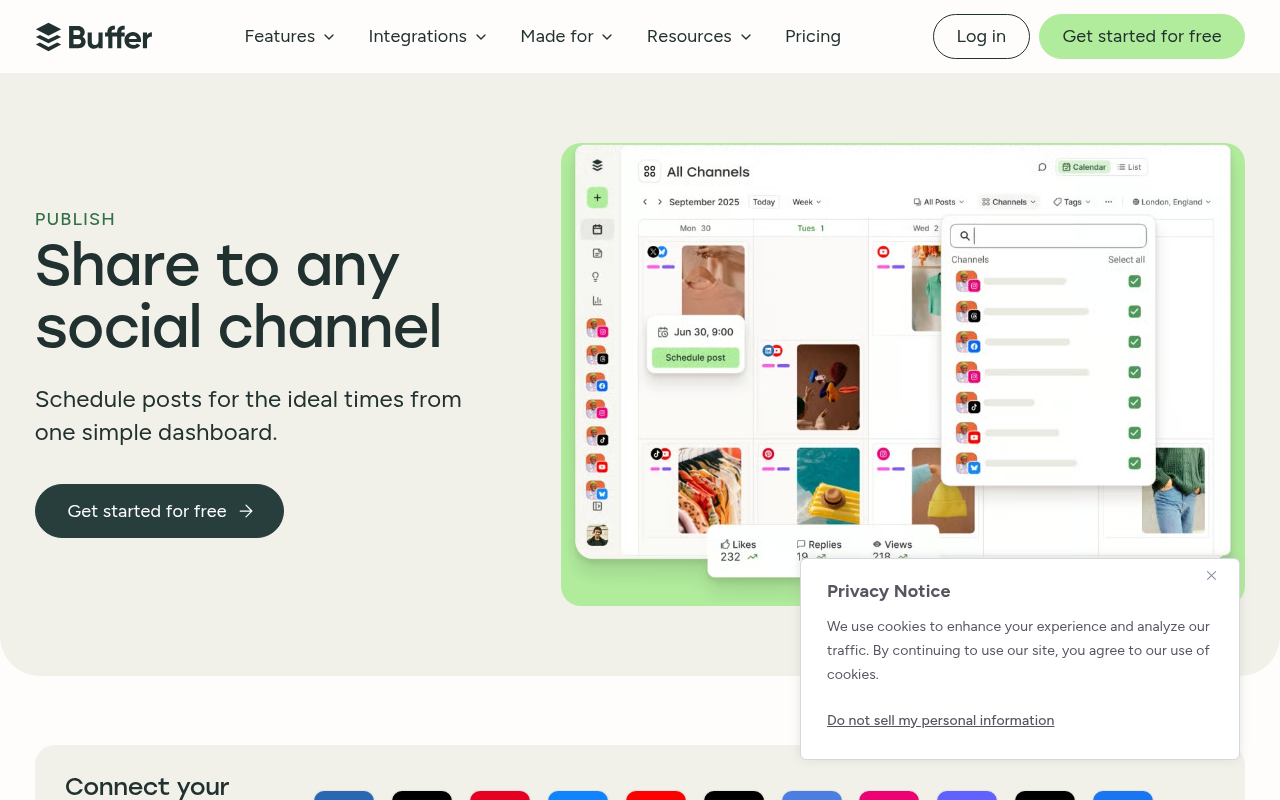
Best for solo creators and small teams who need the simplest path from draft to published social post. Buffer's visual calendar lets you customize posts per platform, queue content at the best times, and publish directly to Instagram, Facebook, LinkedIn, X/Twitter, TikTok, Pinterest, and more. The AI Assistant helps generate captions and repurpose existing content.
The free plan is genuinely usable: 3 connected channels and 10 scheduled posts per channel cost nothing.
Key limitation: Buffer focuses on social media. It offers no editorial brief management, campaign tracking, or multi-format content operations. If you need those, pair Buffer with a planning tool like Notion or Airtable.
Pricing: Free (3 channels, 10 posts/channel); Essentials $5/channel/month annual; Team $10/channel/month annual (Buffer pricing). Source: Buffer Publish.
Hootsuite: best enterprise social publishing and governance
Best for organizations managing dozens of social accounts that require compliance, approvals, bulk scheduling, and unified analytics. Hootsuite's calendar supports bulk scheduling of up to 350 posts at once, AI-generated content, recommended posting times, social listening, and governance features for regulated industries.
The standout trait is scale and control: manage unlimited social accounts on the Professional plan, enforce team approval and routing workflows on the Advanced plan, and track cross-channel analytics in one dashboard.
Key limitation: Hootsuite costs far more than lightweight tools. The approval and routing features that many teams need require the Advanced plan at $399/user/month. A 14-day free trial (no credit card) lets you test before committing.
Pricing: Standard $99/user/month annual (10 accounts); Professional $199/user/month annual; Advanced $399/user/month annual (Hootsuite plans). Source: Hootsuite publishing platform.
CoSchedule: best dedicated marketing calendar
Best for marketers who want social publishing, blog scheduling, campaign management, and task tracking in a single calendar-first tool. CoSchedule bridges editorial planning and social publishing with Kanban and table views, an AI assistant for headline and content suggestions, and performance reports.
The standout feature is that CoSchedule was purpose-built as a marketing calendar rather than a project-management tool repurposed for content. Campaign grouping, custom project types, and guest access support agency and in-house workflows.
Key limitation: The full Content Calendar plan (with advanced campaigns and custom fields) is sales-led, with no public pricing. The free tier is restricted to 1 user, 1 social profile, and 15 scheduled messages.
Pricing: Free Calendar $0; Social Calendar $19/user/month annual; Agency Calendar $59/user/month annual (CoSchedule pricing). Source: CoSchedule.
ClickUp: best when content lives inside project management
Best for teams that want content planning deeply integrated with task management, Docs, Chat, and project workflows. ClickUp ties its calendar view to tasks with custom fields, statuses, owners, deadlines, and dependencies. AI suggestions help with topic ideation and brief creation. Docs live alongside tasks, so writers draft within the same workspace that tracks the production pipeline.
The standout trait is the most feature-dense free plan among project-management tools: unlimited tasks, collaborative Docs, Kanban boards, and a Calendar view at no cost.
Key limitation: The breadth of features (Whiteboards, Chat, Dashboards, Goals, Time Tracking) can feel overwhelming for a solo creator or a team that just needs a simple social workflow.
Pricing: Free (unlimited tasks); Unlimited $7/user/month annual; Business $12/user/month annual (ClickUp pricing). Source: ClickUp content calendar.
Trello: best simple visual content pipeline
Best for individuals and small teams who want a near-zero learning curve for drag-and-drop content tracking. Trello's board-based workflow uses lists (e.g., Ideas → Writing → Editing → Scheduled → Published), cards with checklists, labels, due dates, and attached assets. The official Editorial Calendar template provides a ready-made structure, and Butler automation can move cards, set due dates, or send notifications based on triggers.
Key limitation: Calendar, Timeline, and Dashboard views require Premium ($10/user/month). Trello has no native social publishing or analytics; it is purely a planning and tracking tool.
Pricing: Free $0 (10 collaborators per workspace); Standard $5/user/month annual; Premium $10/user/month annual (Trello pricing). Source: Trello Editorial Calendar template.
Canva Content Planner: best for design-led social planning
Best for creators and brands that produce visual-first social content and want to design, schedule, and track performance without leaving the design tool. Canva Content Planner removes the export step: design a graphic or video using templates and the Brand Kit, then schedule it directly to Facebook, Instagram, X/Twitter, or LinkedIn. Post analytics cover impressions, clicks, likes, and comments.
Canva's AI-powered design tools (Magic Write, Magic Design, text-to-image) make it part of a growing category of best AI content creation tools that merge creation with distribution.
Key limitation: Canva is not a full editorial production or approval system. Scheduling is limited to major social networks; it cannot manage blog workflows, email campaigns, or multi-stakeholder review cycles.
Pricing: Free $0; Pro $180/year (1 person); Business $250/year per person (Canva pricing). Source: Canva Content Planner.
What about HubSpot's marketing calendar?
Teams already subscribed to HubSpot Marketing Hub Professional or Enterprise have access to a built-in marketing calendar that tracks campaigns, tasks, blog posts, social posts, emails, and other marketing activities in a unified view. Filters by campaign, event type, and content category make it easy to see what goes live across channels.
The calendar is not a standalone product. It requires an existing Marketing Hub subscription, and its pricing is bundled with the broader platform. According to HubSpot's marketing calendar documentation (updated August 3, 2026), the calendar supports campaign and task tracking with calendar views for marketing activities. If your team already lives in HubSpot, the calendar is worth using. If not, a dedicated content calendar tool will be more cost-effective and focused.
Which content calendar tool fits your situation?
Solo creators on a budget
Start with Buffer Free for social scheduling (3 channels, 10 posts each) or Trello Free for a visual content pipeline. For editorial planning with briefs and strategy docs, Notion Free offers the most flexibility at no cost. All three are genuinely usable without upgrading, though each has limits on channels, collaborators, or features.
Small marketing teams needing approvals
Planable provides multi-level approval workflows with unlimited users per workspace, making it ideal for teams where every post needs sign-off. Asana Starter ($10.99/user/month) offers approval actions within a broader project-management context, which works well if the team also manages non-content tasks in Asana.
Agencies managing clients across brands
Planable's workspace-based pricing supports unlimited users, so large client-facing teams avoid per-seat cost escalation. CoSchedule Agency Calendar ($59/user/month) adds campaign management and reporting for agencies that need a marketing-calendar-first tool. Hootsuite Advanced ($399/user/month) suits agencies that manage high volumes of social accounts with compliance requirements.
Enterprise teams needing governance and analytics
Hootsuite Professional or Advanced provides bulk scheduling, approval routing, social listening, governance controls, and cross-channel analytics at enterprise scale. Airtable Business ($45/seat/month) supports custom automations, advanced permissions, and relational campaign tracking for teams with complex content operations.
Should you use one tool or two?
A two-tool stack is often smarter than forcing a single platform to do everything poorly. A common, effective pairing: Notion (or Airtable) for editorial planning, briefs, and campaign tracking, plus Buffer (or Hootsuite) for social scheduling and auto-publishing.
The cheapest calendar is not always the cheapest workflow. A free planner may still require a separate scheduler, approval process, analytics platform, or asset library. Look at the total cost of the workflow, not just the headline subscription price. For a step-by-step approach to combining planning tools with AI-powered automation, see How to Build an AI Content Calendar.
What should a content calendar include?
Every content calendar should track these fields at a bare minimum: publish date, channel (blog, email, Instagram, LinkedIn, etc.), content type (article, social post, video, podcast), owner/assignee, status (idea → brief → drafting → in review → approved → scheduled → published), campaign tag, SEO keyword or topic, audience/persona, funnel stage, and asset links (drafts, graphics, videos).
Advanced calendars add UTM parameters for attribution, performance metrics (clicks, impressions, engagement, conversions), task dependencies for multi-step production, and recurring tasks for evergreen content updates. The more fields you define up front, the easier it becomes to filter, report, and improve later.
Do content calendar tools use AI?
Several tools on this list include verified AI features, though what "AI" means varies by product. Buffer AI Assistant generates social captions and repurposes content. Hootsuite offers AI content generation and recommended posting times. CoSchedule includes an AI assistant for headlines and copy. ClickUp provides AI suggestions for topics and briefs. Airtable integrates AI for content creation within records. Notion AI assists with brainstorming, drafting, and summarization.
In most cases, AI helps with caption writing, topic ideation, or scheduling suggestions rather than replacing editorial judgment. For a full look at how AI can power your content planning process, read our AI Content Calendar & Planning: The Complete Guide.
FAQ
What is the difference between a content calendar and an editorial calendar?
A content calendar tracks what will be published, when, and where. An editorial calendar is broader: it typically includes strategic planning, topic research, campaign alignment, owners, deadlines, and production stages on top of publish dates.
What is the best free content calendar tool?
Buffer Free (3 channels, 10 posts each) is the best free option for social scheduling. For editorial planning without publishing, Notion Free or Trello Free offer flexible calendar views at no cost. All free plans have meaningful limits on users, records, or features.
What is the difference between a content calendar and a social media calendar?
A social media calendar is a subset of a content calendar focused on platform-level social posts and their publish times. A content calendar can also cover blog posts, email campaigns, video, podcasts, webinars, and other formats.
Are free content calendar tools worth using?
Yes, for a solo creator or small team with straightforward planning needs. Free plans become insufficient when a team needs approval workflows, automation, multi-brand management, analytics, or publishing to many channels. At that point, a paid tool typically saves more time than it costs.
Can a content calendar tool manage blogs, email, video, and social media together?
Tools like Airtable, Notion, Asana, and ClickUp can plan and track any content type in a single calendar. Multi-channel publishing from one tool is less common, though. Most teams pair a planning tool with channel-specific publishing platforms for the best results.