
Best AI Social Media Content Generators (2026)
Comparing 11 AI social media content generator tools across visual design, scheduling, analytics, and enterprise workflows to help you match the right one to yo

AI social media content generators: the best tools for every workflow
The best AI social media content generator depends on the workflow. For visual-first posts, Canva leads. For simple multi-platform scheduling, Buffer is the lightest path. Hootsuite (Perch and Wisdom) suits teams that need creation, approvals, and social intelligence in one place. SocialBee excels at evergreen strategy, Predis.ai at AI video and ecommerce, and ChatGPT at unlimited prompt flexibility. Below, we compare 11 tools against the same criteria to help match the right generator to every need.
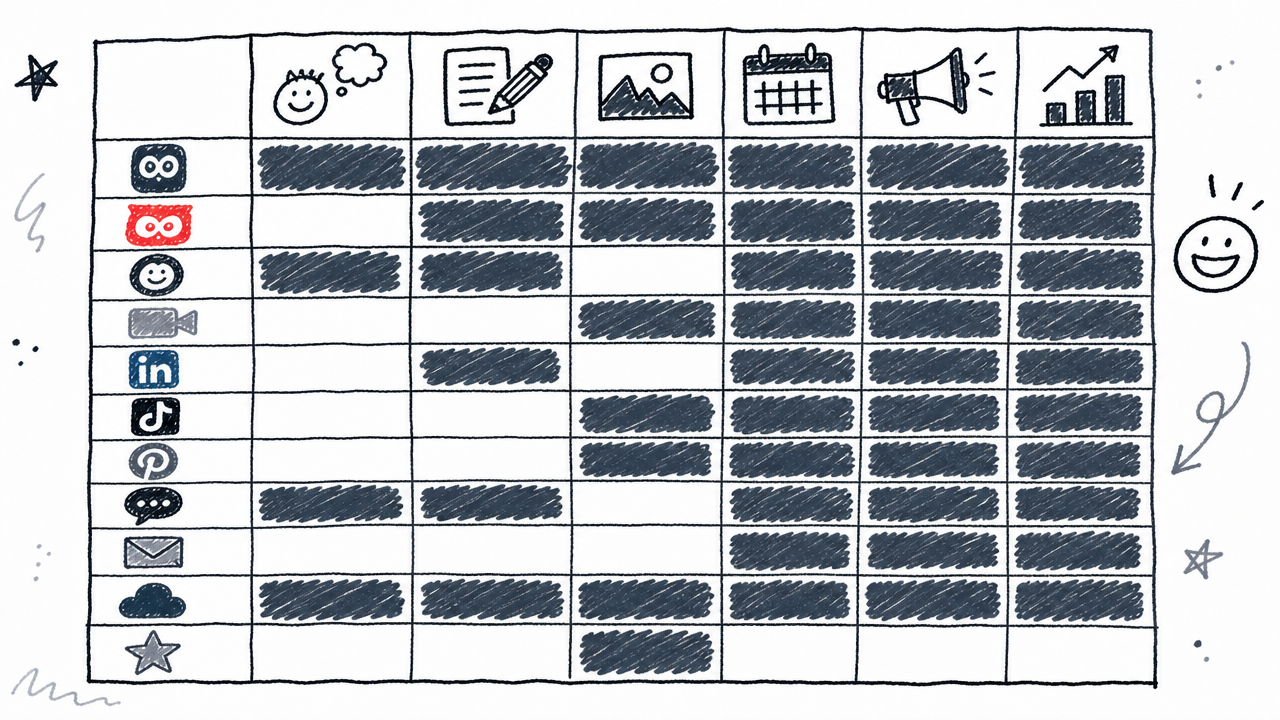
Quick-reference comparison table
Use this table to narrow a shortlist fast. Prices are normalized to monthly equivalents on annual billing where available. Verify every figure on the linked pricing page before purchasing; plans change frequently.
Verified as of August 2026.
How we selected and evaluated these tools
Every tool in this round-up was scored against ten criteria: text quality, platform adaptation, brand controls, content formats, repurposing capability, end-to-end workflow (drafting through analytics), plan limits, pricing transparency, risk controls, and best-fit use case.
We separated tools into five categories because they solve different problems: visual design tools, AI schedulers, AI-first platforms, general LLMs, and enterprise suites. Treating Canva and Hootsuite as direct substitutes would mislead readers.
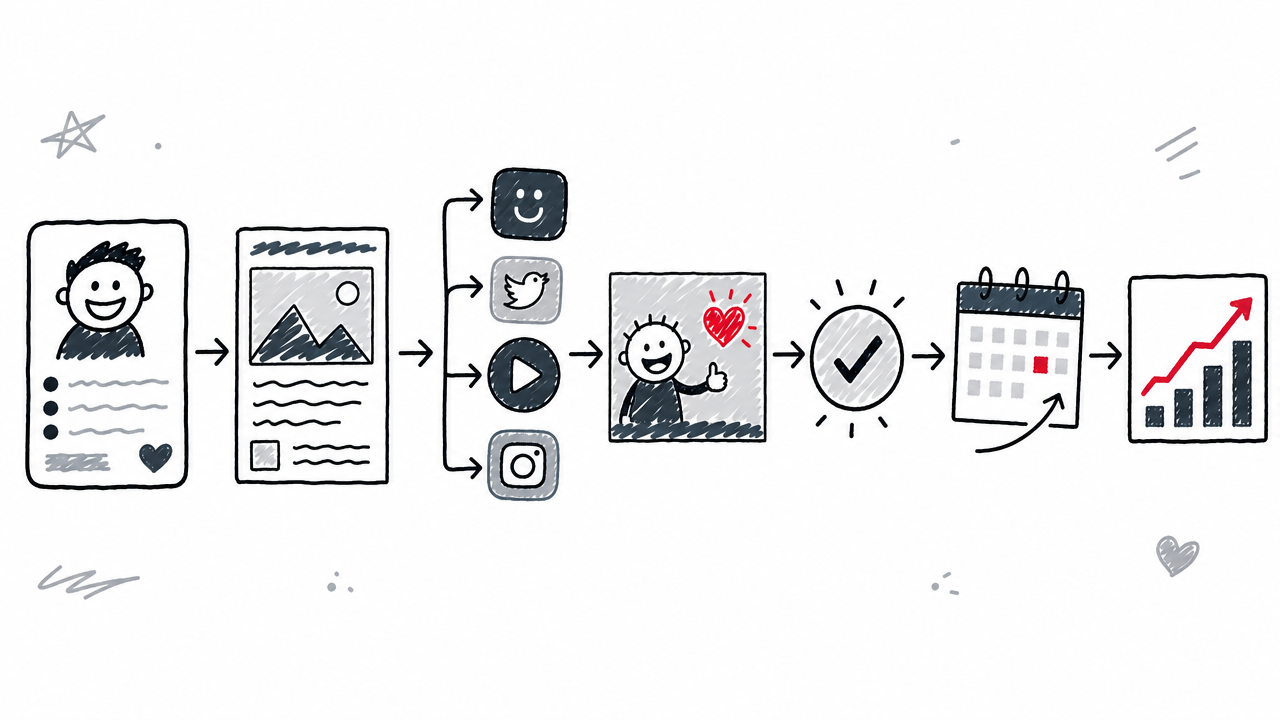
The organizing framework is "prompt to published post" distance:
- Understand the brand
- Generate a draft
- Adapt per platform
- Pair or create a visual
- Review and approve
- Schedule and publish
- Measure performance
A tool that only handles step 2 is not the same as one that handles steps 1 through 7. Each entry below makes clear which steps the tool covers.
What is an AI social media content generator?
An AI social media content generator is software that uses generative AI and large language models to draft social media captions, hooks, hashtags, images, videos, or complete post packages. It goes beyond a generic AI writing assistant like ChatGPT by adding platform-specific formatting, brand voice controls, content calendars, scheduling, auto-publishing, and sometimes analytics.
Core capabilities typically include content ideation, platform adaptation (tailoring copy for Instagram vs. LinkedIn vs. TikTok), content repurposing (turning a blog post into a carousel or a webinar into captions), and visual generation. Some tools stop at text; others handle the entire production pipeline. For a broader look at AI writing and creation tools beyond social media, see the guide to the best AI content creation tools.
Best AI social media content generators
Each entry below follows the same structure: what it does, who it serves best, a standout trait, and a limitation.
Canva: best for visual-first social posts
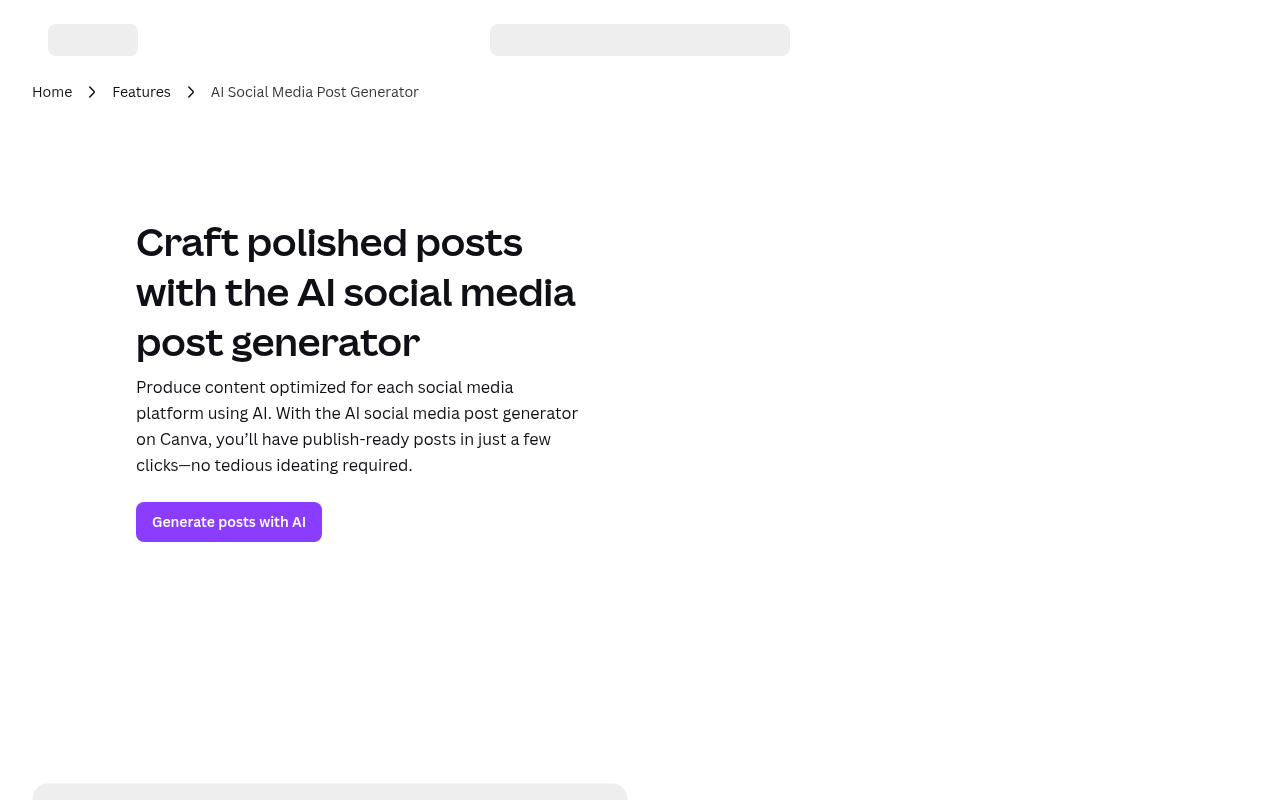
Canva combines an AI social media post generator with 3.6 million+ design templates (on Pro), a Brand Kit for consistent visual identity, and a Content Planner that publishes directly to social networks. It is the strongest choice when the visual is the content, not an afterthought.
Users specify a goal, tone, and target audience, and Canva generates captions alongside matching designs. The repurposing engine can turn blog posts, videos, and newsletters into social-ready formats. Because generation and design live in the same workspace, there is no export-import friction.
The Free plan costs US$0 and includes 1.6 million+ templates and basic AI generation. Pro is US$180/year (US$15/month on annual billing) for one person and adds the full template library plus expanded AI. Canva states that Pro includes "10x more AI" than Free, but this is a shared AI allowance that varies by tool, not a fixed post count. Check actual usage against the allowance before committing to high-volume workflows.
Standout: Visual + caption generation in a single editor with Brand Kit consistency. Limitation: AI credits are usage-based and can deplete quickly with image-heavy workflows.
Buffer: best for simple multi-platform scheduling
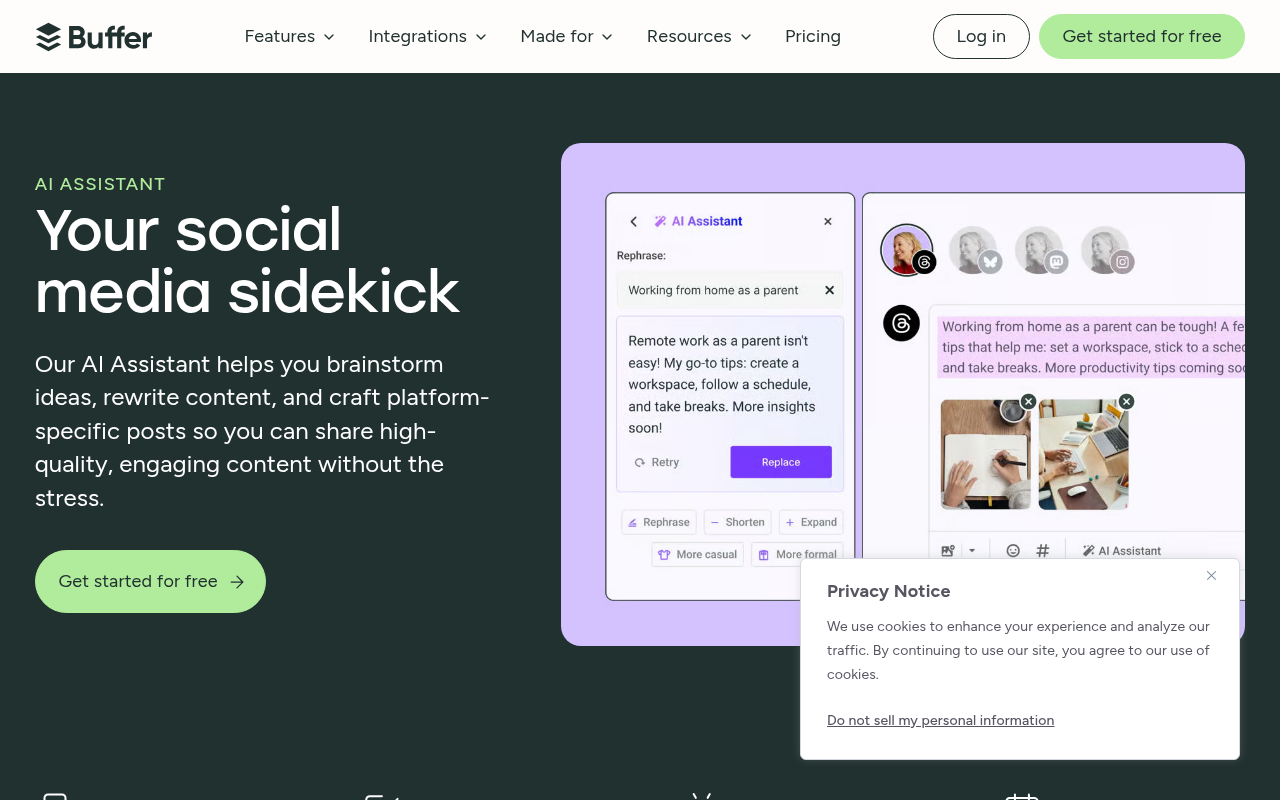
Buffer's AI Assistant handles ideation, rewriting, tone changes, length adjustments, and platform tailoring directly inside the compose window. It is the lightest path from idea to scheduled post for creators and small businesses.
The Free plan supports up to three channels with 10 scheduled posts per channel and unlimited AI-generated drafts (subject to account terms). The standalone browser-based generator at buffer.com/ai-assistant/social-media-post-creator allows up to five posts per day without an account. The Essentials plan starts at US$5/month per channel on annual billing, adding analytics and engagement tools.
Buffer is deliberately simple. It does not try to be an enterprise governance platform or a visual design suite, and that restraint is its advantage for beginners.
Standout: A genuinely usable free tier with unlimited AI generations on a connected account. Limitation: Text entered into the AI Assistant is shared with OpenAI, per Buffer's documentation. Review data handling requirements accordingly.
For connecting Buffer's output to a broader content calendar, see AI content calendar and planning: the complete guide.
Metricool: best for planning plus analytics
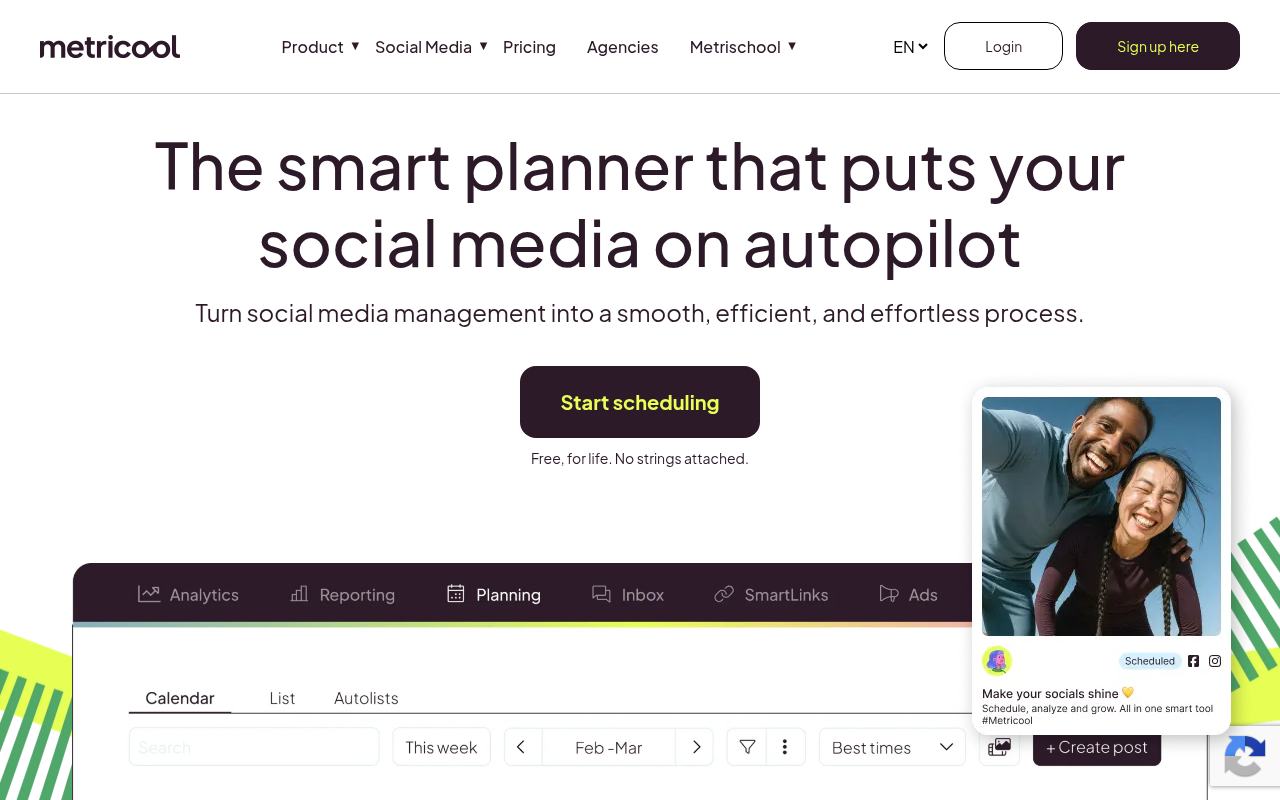
Metricool embeds its AI Assistant directly inside the planner, so generation, scheduling, and analytics share a single view. Users choose a topic, tone, language, and platform; the assistant can also proofread, translate, shorten, lengthen, add calls to action, and suggest hashtags.
Platform support is broad: Facebook, Instagram, Threads, X (formerly Twitter), Bluesky, TikTok, LinkedIn, Google Business Profile, Pinterest, and YouTube. The free-for-life plan requires no credit card, making it easy to test before committing.
Metricool reports that more than 3.5 million brands and professionals use the platform (a vendor-reported figure, not independently audited). The real differentiator is that users never leave the planner to generate, edit, schedule, or review performance.
Standout: True single-pane workflow from AI generation through analytics. Limitation: Verify exact free-plan generation and scheduling caps in the product interface before relying on the tool at volume; published limits can lag behind product changes.
SocialBee: best for evergreen content and strategy
SocialBee's AI Copilot goes beyond caption generation. It suggests which platforms to use, recommends content strategies and categories, proposes posting times, and generates ready-to-use posts with AI images and platform-specific variations.
The content category system is the standout feature. Posts are assigned to categories (educational, promotional, behind-the-scenes, user-generated content), and SocialBee recycles evergreen posts on a schedule, keeping a feed active without constant manual effort. All plans include unlimited AI content generation.
Pricing starts at US$29/month for Bootstrap (5 social profiles), US$49/month for the next tier (10 profiles), and US$99/month for Pro (25 profiles). A 14-day free trial requires no credit card.
Standout: Category-based recycling with unlimited AI generation creates a sustainable evergreen engine. Limitation: Higher entry price than lightweight alternatives like Buffer; may offer more structure than a solo creator needs.
Predis.ai: best for AI visuals, video, and ecommerce
Predis.ai generates captions, visuals, carousels, videos, ad creatives, and product content from a single prompt. It also offers competitor analysis and brand management, making it a strong fit for ecommerce brands that need visual variety at volume.
The credit-based model requires careful planning. On the Core plan (US$19/month, annual billing), users receive 1,300 credits per month: roughly 86 AI images at 15 credits each, or about nine eight-second videos at 200 credits each. The Rise plan (US$40/month) provides 3,200 credits and unlocks auto-posting.
Standout: End-to-end visual content creation without a separate design tool; strong ecommerce templates. Limitation: Credit consumption varies sharply by content type. A workflow heavy on video will burn through credits far faster than one focused on static images, so the effective monthly cost depends entirely on the content mix.
Later: best for Instagram-led brands
Later's visual planning calendar and Linkin.bio integration make it the natural choice for Instagram-first brands. The AI Caption Writer generates captions and content ideas directly in the scheduling flow.
Pricing on annual billing: Starter at US$18.75/month (5 AI credits, 30 posts per profile), Growth at US$37.50/month (50 AI credits, 150 posts per profile), and Scale at US$82.50/month (100 AI credits, unlimited posts). One AI credit produces either one caption or three content ideas, per Later's credit documentation.
Standout: Instagram-first workflow with visual calendar and Linkin.bio for driving traffic. Limitation: The AI Caption Writer is currently English-only (verify before publication), and the Starter plan's five monthly AI credits are restrictive for regular use.
Ocoya: best for automated AI workflows
Ocoya targets agencies and teams that want to automate the entire content pipeline. Its AI agent architecture chains generation, scheduling, and engagement into triggered workflows: a new blog post can automatically become a set of platform-specific social posts, scheduled and published without manual intervention.
Capabilities also include bulk content creation, multi-channel publishing, DM chatbots, and comment-to-DM automations. The agent model is more powerful than single-prompt generation, but the complexity can overwhelm solo creators who just need a quick caption.
Standout: AI agent workflows that chain content creation, scheduling, and engagement responses. Limitation: Verify current pricing directly on ocoya.com before committing; automation depth may introduce a steep learning curve for smaller teams.
Hootsuite (Perch and Wisdom): best for teams and enterprise
Hootsuite's current AI stack splits into two products. Perch handles brainstorming, AI captions, AI images, hashtags, content calendars, bulk scheduling (up to 350 posts at once), and approval workflows. Wisdom adds social intelligence: trend insights, inbox management, social listening, and sentiment analysis.
The Standard plan is US$99/user/month on annual billing, supporting up to 10 social media accounts with a 14-day free trial (no credit card required). Professional and Advanced tiers scale to US$199 and US$399 per user per month respectively.
Standout: The only tool in this list combining AI generation with full social listening, trend intelligence, and governance workflows. Limitation: The highest starting price in this round-up; overkill for solo creators or small businesses that only need caption generation and basic scheduling.
Note: current branding is Perch and Wisdom, not the older "OwlyWriter" name that some third-party articles still reference.
Copy.ai: best for workflow-based repurposing
Copy.ai takes a different approach: structured workflows rather than single-prompt generation. Feed it a webinar transcript, product demo, blog post, or content brief, and its automated workflows produce channel-specific social posts, short-form video scripts, and refreshed variations of existing content.
This model excels at repurposing content at volume. A single long-form asset can yield weeks of social posts across LinkedIn, Instagram, X, and TikTok without manual reformatting.
Standout: Workflow architecture that turns one asset into many platform-specific outputs. Limitation: Copy.ai is not a native social scheduler. Output must be moved to Buffer, Hootsuite, Metricool, or another publishing tool. For help connecting repurposed content to a posting cadence, see How to build an AI content calendar.
ChatGPT: best for full prompt flexibility
ChatGPT's free plan covers writing and ideation with limited messages, image generation, and memory. Paid plans expand reasoning, image creation, custom GPTs, scheduled tasks, and usage caps. No other tool in this list matches ChatGPT's raw prompt flexibility: any format, persona, platform, or constraint can be defined in the prompt.
That flexibility is also its core limitation. ChatGPT has no native scheduling, auto-publishing, approval workflow, social analytics, or platform API integration. Every post must be copied into a separate tool for publishing.
Standout: Unmatched adaptability for any platform, format, or creative direction. Limitation: Requires pairing with a scheduler and manual copy-paste, adding friction to every post.
Sprout Social: enterprise alternative
Sprout Social's AI Assist generates and refines copy, recommends optimal send times, synthesizes trend data, and connects to publishing, social listening, and analytics. The platform processes over one billion messages per day (a vendor-reported claim).
Standard pricing is US$199/seat/month on annual billing, covering five social profiles. A Forrester Total Economic Impact study commissioned by Sprout reported a 233% ROI. That figure reflects study conditions, and individual results will vary.
Standout: Deepest analytics, governance, and social intelligence in this round-up. Limitation: Price point and feature depth are designed for mid-market to enterprise teams; impractical for individuals or small businesses.
What is the difference between ChatGPT and a dedicated social media generator?
ChatGPT excels at flexible ideation and copy control but lacks native scheduling, auto-publishing, approval workflows, analytics, visual templates, and platform API integrations. A dedicated social media generator bundles some or all of those into a single workflow, reducing the gap between a prompt and a live post.
Choose ChatGPT when creative control matters most and a separate scheduler like Buffer or Hootsuite is already in place. Choose a dedicated tool when the priority is fewer manual steps: formatting for each platform, pairing visuals, routing approvals, scheduling at optimal times, and tracking engagement afterward.
Many teams use both: ChatGPT for brainstorming and unusual formats, a dedicated tool for daily production.
Can AI create an entire month of social media content?
Yes, in terms of raw volume. AI can produce a month's worth of captions, hooks, hashtags, and image prompts in a few hours, especially with tools that support bulk creation (Hootsuite's 350-post bulk scheduler, Ocoya's triggered workflows, SocialBee's category recycling). Quality assurance, however, remains the bottleneck.
Human review is non-negotiable. AI can hallucinate product details, invent statistics, produce off-brand copy, or include outdated offers. A "one-click publish" feature is a convenience, not an editorial sign-off.
The most effective approach structures AI output around content pillars (educational, promotional, engagement, behind-the-scenes) and maps them to a content calendar. Start by feeding every candidate tool the same business description, campaign goal, audience profile, and platform list: this "same brief" test reveals real differences in output quality. For detailed guidance on building that calendar, see AI content calendar and planning: the complete guide and How to build an AI content calendar.
Is AI-generated social media content safe to publish?
AI-generated content introduces three distinct risk areas that every team should address before hitting publish.
1. Accuracy. Large language models hallucinate. They can fabricate product claims, invent statistics, generate fake testimonials, or misquote pricing. Every post containing a factual claim, discount, or customer story must be fact-checked by a human.
2. Regulatory compliance. The FTC Endorsement Guides prohibit fake reviews, testimonials, and endorsements. The FTC's final rule on fake reviews and testimonials, announced in 2024, adds enforcement teeth. AI-generated posts that include fabricated customer experiences or undisclosed commercial relationships create real legal exposure.
3. Data privacy. Prompts and business information may be sent to external AI providers. Buffer, for example, discloses that text entered into its AI Assistant is shared with OpenAI. When handling client data or sensitive business information, check each tool's data processing terms.
A human-in-the-loop review for every post containing a factual claim, customer story, or call to action is the baseline safeguard.
How to get the best results from an AI social media generator
Practical tips that apply regardless of which tool is in use:
Set brand voice and prohibited terms first. Most tools offer brand voice settings (Canva's Brand Kit, SocialBee's Copilot, Hootsuite's Perch). Configure them before generating anything.
Provide specifics in every prompt. Include product facts, audience details, campaign goals, and desired tone. Vague prompts produce generic output.
Request platform-specific output. A LinkedIn expert-perspective post is structurally different from an Instagram caption or a TikTok hook. Do not publish the same text everywhere.
Review and edit every draft. Check claims, links, hashtags, disclosures, and calls to action. "AI-generated" is not a defense for inaccurate advertising.
Test the same brief across tools. Feed identical inputs to two or three tools before committing. The quality gap is often larger than marketing pages suggest.
Use content categories or pillars. Alternating between educational, promotional, engagement, and behind-the-scenes content prevents repetitive feeds.
Schedule but review. Automated scheduling saves time; automated publishing without editorial approval creates risk.
For a broader look at AI-powered content workflows, see the best AI content creation tools.
FAQ
What is the best free AI social media post generator?
Buffer's free plan offers unlimited AI generations across three channels (10 scheduled posts each). Metricool also provides a free-for-life plan with AI inside its planner. Canva Free includes basic AI generation with limited credits. Verify current limits before relying on any free tier at volume.
Can AI generate posts for Instagram, LinkedIn, TikTok, and X at once?
Tools like Metricool, SocialBee, Hootsuite, and Ocoya adapt a single brief into platform-specific drafts and can schedule to several networks in one action. ChatGPT can write platform-tailored copy but requires a separate tool for publishing and scheduling.
How do AI social media generators learn a brand voice?
Most tools offer brand voice settings where users input tone descriptors, style rules, product facts, audience details, and prohibited terms. Canva uses its Brand Kit; SocialBee and Hootsuite embed voice controls into the generation prompt. ChatGPT supports custom instructions and memory for persistent brand context.
Does AI replace a social media manager?
No. AI speeds up ideation, drafting, and repurposing but cannot verify facts, manage community relationships, handle crises, or make strategic judgment calls. A human-in-the-loop review remains essential for accuracy, regulatory compliance, and genuine engagement.
Do AI social media tools use customer data to train models?
Policies vary by tool. Buffer discloses that text entered into its AI Assistant is shared with OpenAI. Readers should check each tool's current privacy policy and data processing terms, particularly when handling client data or sensitive business information.