
Best AI Content Repurposing Tools 2026
Discover the best AI content repurposing tools for every workflow—video clipping, audio-to-text, text-to-video, and distribution—with pricing, free plans, and e

The best AI content repurposing tool depends on what you start with and where you want to publish. For long video to short clips, choose OpusClip or Vizard. For podcast or audio to written assets, use Castmagic. Pictory converts blog posts, scripts, and text into finished video. Repurpose.io automates multi-platform distribution of content you have already produced. Blotato turns nearly any source into social posts and publishes across nine platforms. Descript gives you transcript-led editing with full human control. Postiv focuses on LinkedIn. For a broader strategy on turning one asset into many, see the full AI content repurposing: turn one asset into many guide.
Why "starting format → desired output" is the only framework that matters
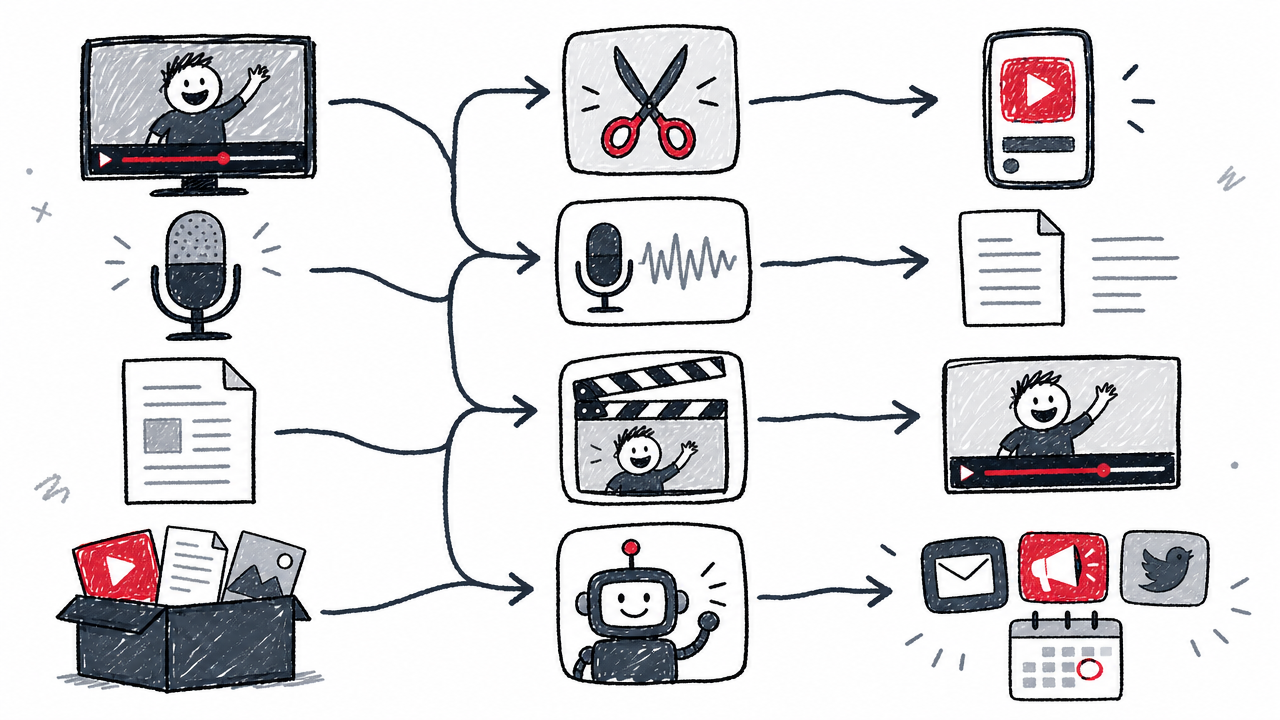
"AI content repurposing" is not one job. It conflates at least four distinct workflows, and choosing a tool without naming the workflow leads to expensive mismatches.
Video clipping extracts highlight segments from long-form video and reframes them for vertical platforms. Audio-to-text conversion turns podcasts and interviews into show notes, blog drafts, newsletters, and social copy. Text-to-video creation transforms written assets (blog posts, scripts, URLs) into finished video with stock footage, AI voices, or avatars. Distribution automation takes already-finished assets and publishes them across platforms with format adjustments.
Each workflow demands different AI capabilities. A clipping engine cannot write a newsletter. A distribution layer cannot generate show notes. A text-to-video tool is not designed to find the best 30-second moment in a 90-minute webinar.
The real measure of tool quality is editorial burden: the share of outputs that are publishable without manual rewriting, re-captioning, or re-editing. A tool that generates 50 assets requiring heavy cleanup costs more time than one that produces 10 publish-ready pieces.
How we selected these tools
Every tool in this round-up was evaluated against the same criteria:
- Input/output coverage: what formats go in, what comes out
- AI transformation quality versus mere distribution
- Platform-native output: whether outputs are genuinely adapted per destination channel
- Free-plan viability: watermarks, resolution limits, storage, and usage caps
- Pricing transparency: clarity of credit, minute, or seat-based billing
- Editorial workload: how much human review is required before publishing
- Scheduling and publishing: whether the tool can post directly
Pricing was checked on or around 2026-08-10. Vendor-reported user counts are labelled as such throughout.
Three ranking sources were consulted as reference points: the Postiv comparison, the Blotato comparison, and the Pictory comparison. All three are vendor-authored. Their rankings and product claims are treated as commercially motivated, not independent.
Quick comparison table
Pricing reflects publication-date research. Annual billing rates shown where applicable.
The best AI content repurposing tools
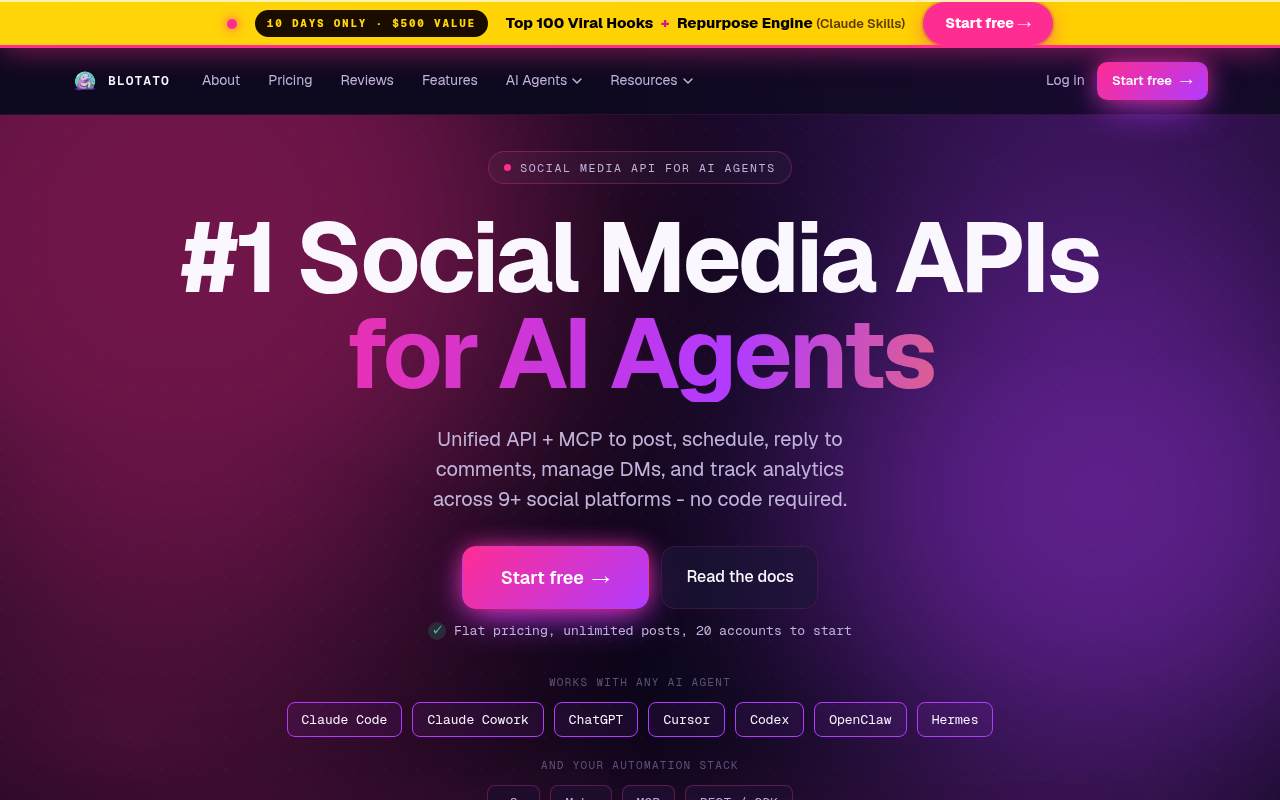
Blotato: best for omni-channel social repurposing and publishing
Blotato accepts nearly any source format (YouTube links, articles, PDFs, audio files, raw text) and generates platform-specific posts for publishing across nine platforms: X, LinkedIn, Facebook, Instagram, TikTok, YouTube, Threads, Bluesky, and Pinterest.
Who it is best for: Solo creators and small teams who want a single tool to turn one source into many social posts with built-in scheduling and publishing.
Standout trait: The breadth of accepted input formats combined with native publishing to nine platforms makes Blotato the widest "one source → many posts" option on this list. The Starter plan includes 20 connected social media accounts, unlimited AI writing, and 1,250 AI credits per month.
Limitation: Vendor-reported figures ("500M+ views generated," "667,000+ posts published last month," per the homepage) are unaudited. The credit-based system requires careful monitoring to avoid mid-month shortfalls.
Pricing: Starter $29/mo, Creator $97/mo, Agency $499/mo. All plans include a 7-day free trial (Blotato pricing).
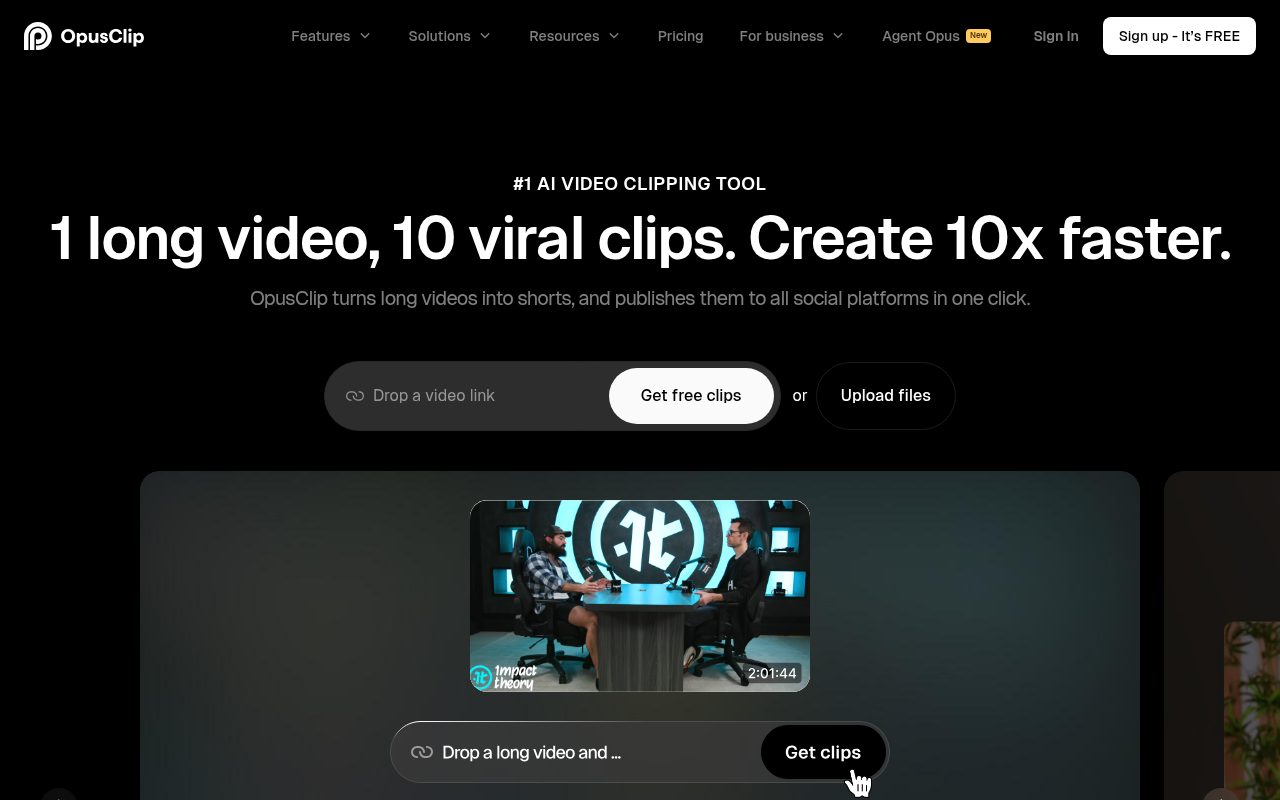
OpusClip: best for long video to short clips
OpusClip is an AI clipping engine that extracts highlight segments from long-form video, applies dynamic captions, and reframes footage for vertical platforms like TikTok, YouTube Shorts, and Instagram Reels.
Who it is best for: YouTubers, webinar hosts, and video-first marketers who need a high volume of short-form clips from recorded long video.
Standout trait: AI-driven highlight detection paired with animated caption templates and automatic vertical reframing. Higher-tier plans include virality scoring.
Limitation: OpusClip is primarily a clipping tool. It does not generate blog drafts, newsletters, or text-based social posts. Free-plan exports are watermarked with limited storage. The vendor reports 16M+ users (OpusClip homepage); treat this as an unaudited figure.
Pricing: Free, Starter $15/mo, Pro $29/mo, Business custom (OpusClip pricing).
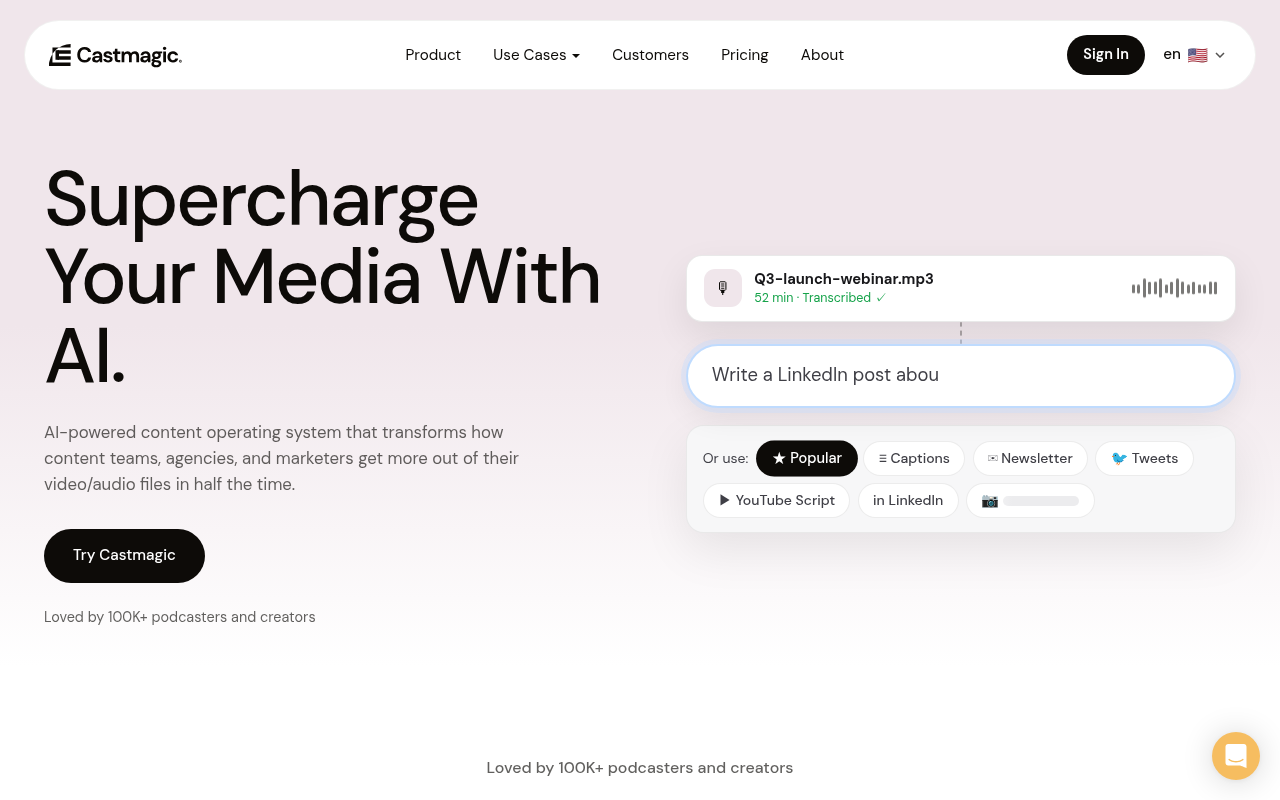
Castmagic: best for podcast and audio to written assets
Castmagic uploads audio or video files up to 1 GB and outputs transcripts, show notes, summaries, blog drafts, newsletters, social copy, and pull quotes from a single recording.
Who it is best for: Podcasters, interview-based creators, and teams that produce audio-first content and need a full suite of written assets from each episode. This is the podcast-to-many workflow discussed in our AI content repurposing: turn one asset into many guide.
Standout trait: Deep text output variety from one recording, with support for 60+ languages according to the pricing page. Imports from YouTube, Spotify, Apple Podcasts, TikTok, Instagram, Google Drive, and more.
Limitation: Castmagic is not a video clip editor. Vendor-reported user figures conflict (75K on the pricing page versus 100K on the homepage), so neither should be cited as definitive.
Pricing (annual billing): Hobby $19/mo (30 hrs), Starter $48/mo (100 hrs), Team $139/mo (400 hrs) (Castmagic pricing).
Pictory: best for blog, text, or audio to finished video
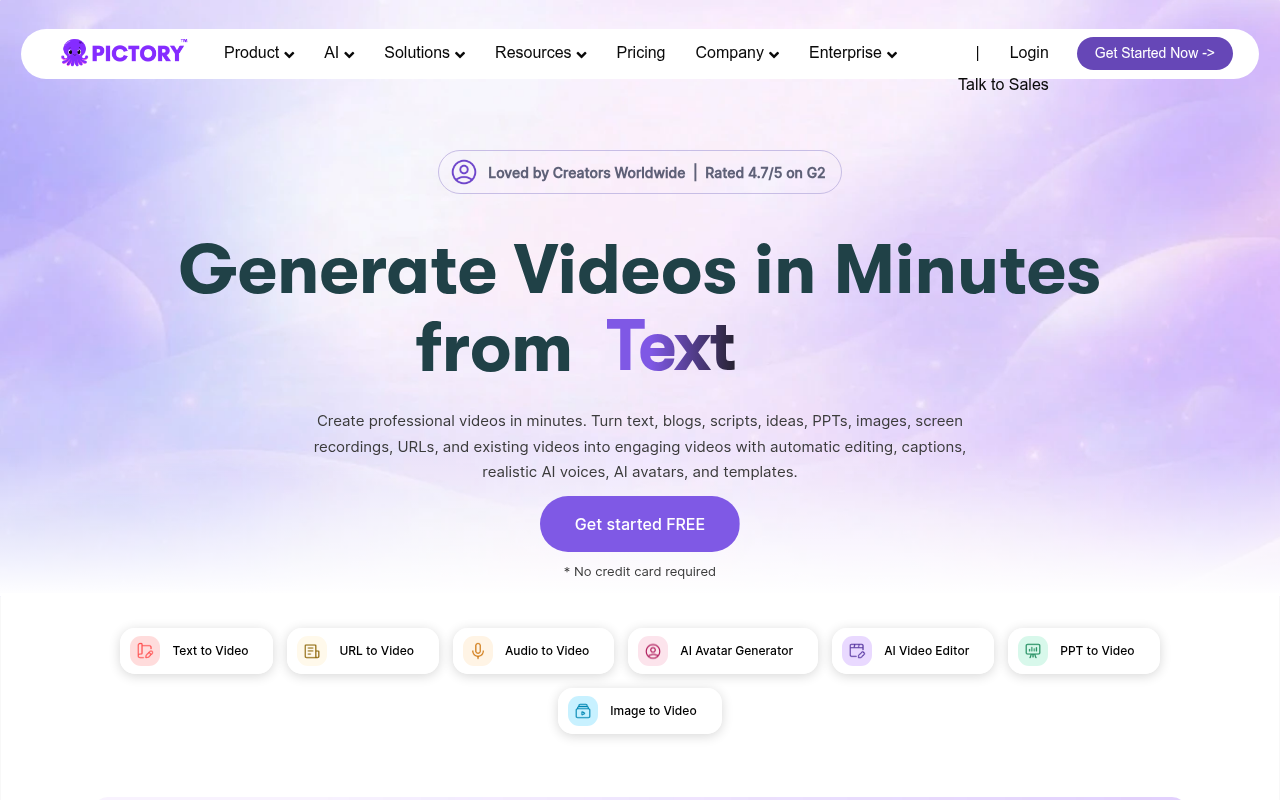
Pictory converts text, URLs, scripts, presentations, audio recordings, and existing video into captioned video with stock footage, AI-generated visuals, AI voices, and avatars.
Who it is best for: Content marketers who start from written assets and need video output for social, ads, or embedded blog content.
Standout trait: A broad text-to-video pipeline with templates, AI avatars, and automatic captioning. Accepts nearly any written or audio input format.
Limitation: Less suited than OpusClip or Vizard for extracting best moments from already-filmed long video. Monthly pricing jumps from $29 at Starter to $199 at Team. The site displays a 4.7/5 G2 rating and "20,000+ companies" (Pictory homepage); treat both as vendor-displayed claims.
Pricing (annual billing): Starter $25/mo, Professional $35/mo, Team $119/mo (Pictory pricing).
Descript: best for transcript-based editing with human control
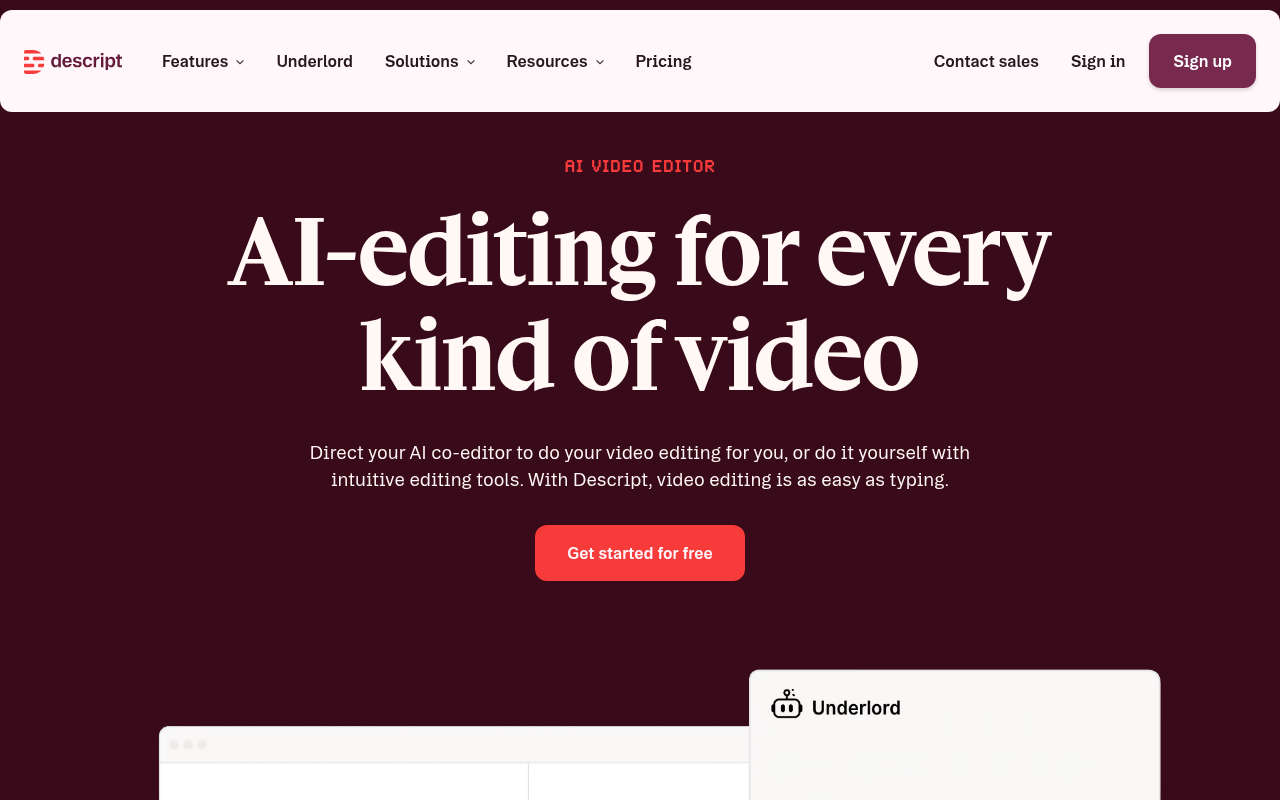
Descript lets you edit audio and video by editing the transcript. Its AI co-editor, Underlord, handles filler-word removal, Studio Sound enhancement, eye contact correction, green screen, translation, and clip creation.
Who it is best for: Editors, producers, and teams that want hands-on editorial control over repurposed assets rather than fully automated output.
Standout trait: The text-based editing approach keeps the human firmly in the loop. You read the transcript, delete sentences, and the corresponding audio/video is cut automatically.
Limitation: Slower than automatic clippers for high-volume clip generation. Per-seat pricing can add up for teams: monthly rates are $24, $35, and $65 for Hobbyist, Creator, and Business respectively.
Pricing (annual billing): Hobbyist $16/mo, Creator $24/mo, Business $50/mo (Descript pricing).
Repurpose.io: best for automated distribution across platforms
Repurpose.io connects source and destination accounts and automates reformatting and publishing of finished content. It is a distribution and formatting layer, not an AI content creation tool.
Who it is best for: Creators and marketers who already have finished video or audio assets and want hands-free cross-posting to TikTok, YouTube Shorts, Instagram, Facebook, Snapchat, Pinterest, X, LinkedIn, and Twitch.
Standout trait: Wide platform connectivity and workflow automation. Set up a rule once (for example, "every new YouTube video → resize and publish to TikTok, Instagram Reels, and LinkedIn") and it runs without intervention.
Limitation: Does not generate new copy, show notes, or AI-edited clips from scratch. If you need content creation, pair it with a tool like OpusClip or Castmagic. Vendor-reported claims: 980K+ creators and 100K+ videos repurposed daily (Repurpose.io homepage).
Pricing: Starter $35/mo, Pro $79/mo, Agency $179/mo. 10 videos free without credit card (Repurpose.io pricing).
Vizard: best alternative for high-volume short-form clipping
Vizard transforms long-form video into AI-generated short clips with auto-subtitles, auto-reframing, social publishing, and team workflows. It competes directly with OpusClip.
Who it is best for: Teams producing high volumes of short-form content from recorded video, especially those who want a usable free tier.
Standout trait: A generous free plan with 60 credits per month (one credit equals one minute of uploaded video), making it accessible for creators testing the workflow.
Limitation: Free-plan exports are limited to 720p and three-day storage. Displayed annual prices (Creator ~$14.50/mo, Business ~$19.50/mo) reflect a promotional discount of roughly 50%; confirm current rates before purchasing. The vendor claims 10M+ users (Vizard homepage).
Pricing: Free (60 credits/mo); displayed promotional annual: Creator ~$14.50/mo, Business ~$19.50/mo (Vizard pricing).
Postiv: best for LinkedIn-focused repurposing
Postiv is a LinkedIn content coach (named "Bob") that accepts URLs, PDFs, video transcripts, and text to generate LinkedIn posts, carousels, brand-style images, infographics, and scheduling with analytics.
Who it is best for: B2B marketers and LinkedIn-focused professionals who need a steady stream of platform-native content.
Standout trait: Deep LinkedIn-native output including carousel generation, engagement tools, and weekly content planning tailored to the platform's algorithm preferences.
Limitation: Narrow platform focus: LinkedIn only. Official public pricing was not independently verified during research. The comparison page lists a $1 trial followed by $99/seat/month, but readers should confirm on the live Postiv site before purchasing.
Pricing breakdown: what does each plan buy?
Credit-based, minute-based, seat-based, and account-based billing make direct comparison difficult. The table below separates the key billing dimensions.
Before committing to a plan, calculate your monthly usage in the tool's native billing unit (credits, minutes, seats, or connected accounts) and confirm whether overages are possible.
How much editing do AI-repurposed assets need?
Every AI-repurposed asset needs at least a quick human review before publishing. The volume of outputs matters far less than the share that is ready to post without rewriting.
Common issues that require manual correction:
- Factual errors in AI-generated summaries (names misspelled, statistics paraphrased incorrectly)
- Repetitive phrasing across outputs destined for different platforms
- Incorrect captions from imperfect speech recognition, especially with jargon or accents
- Clips that lack context because the AI cut before or after a key sentence
- Identical tone across platforms: a LinkedIn post should not read like a TikTok caption
A human-in-the-loop editorial workflow is not optional. Budget 5–15 minutes of review per batch of generated assets. For a full editorial checklist, see AI content repurposing: turn one asset into many.

One all-in-one tool or a specialist stack?
For solo creators on a small budget, a single all-in-one platform like Blotato minimizes subscriptions and login juggling. For teams with diverse content formats, a specialist stack outperforms any single tool.
A common high-performing stack: OpusClip for video clips + Castmagic for podcast show notes and blog drafts + Repurpose.io for automated cross-platform distribution. These three together cost roughly $69–$162/mo depending on tiers, covering clipping, text generation, and publishing.
Integration glue matters. Most tools on this list connect through Zapier, Make, or n8n, and several offer native APIs or OAuth connections. Before committing to a stack, verify that your chosen tools can pass assets between each other without manual downloads and re-uploads.
Plan the multi-tool workflow with an AI content calendar & planning: the complete guide, and compare creation-first tools that complement repurposing in our Best AI content creation tools round-up.
FAQ
What are AI content repurposing tools?
Software that uses AI to transform an existing content asset (video, podcast, blog post, PDF, or presentation) into new assets optimized for different platforms. They fall into four categories: clipping tools (video → short clips), audio-to-text tools (podcast → written assets), text-to-video tools (blog → video), and distribution tools (finished asset → multi-platform publishing).
What is the best free AI content repurposing tool?
Among the free tiers reviewed: OpusClip offers free clipping with watermarked exports and limited storage. Vizard provides 60 free credits per month but caps exports at 720p with three-day storage. Repurpose.io lets you publish 10 videos free without a credit card. Blotato offers only a 7-day trial. Always check watermark, resolution, and storage limits before relying on a free plan for client or professional work.
Can ChatGPT repurpose content?
Yes, for text-to-text tasks: turning a blog post into social captions, summarizing a transcript into show notes, or adapting copy for different platform tones. It cannot clip video, add captions to footage, reframe vertical video, generate visual assets, or publish directly to social platforms. It works as a supplementary text layer, not a replacement for the dedicated tools on this list.
Is Repurpose.io an AI content creation tool or a distribution tool?
Primarily a distribution and formatting automation layer. It connects source accounts (YouTube, TikTok, podcast hosts) to destination platforms and automates publishing with basic reformatting. It does not generate new written copy, show notes, blog drafts, or AI-edited video clips from scratch (Repurpose.io). Pair it with a creation or clipping tool for a complete workflow.
Are AI-repurposed posts considered duplicate content?
If outputs are rewritten and adapted for each platform (different length, tone, format, and structure), they are not duplicate in any meaningful SEO or social-algorithm sense. If a tool merely copies and pastes the same text across channels with no adaptation, the risk of reduced reach and audience fatigue increases. The better tools on this list generate platform-specific variations, but always review the output before publishing.