
What Is llms.txt? - Format, Examples, and Whether It Actually Works
Learn what llms.txt is, see the exact Markdown format with examples, and get an honest look at whether major AI platforms actually use the file today.

llms.txt is a proposed Markdown file placed at a website's root that gives large language models (LLMs) a short description of the site and curated links to its most important content. It is an emerging convention, not a ratified web standard. Google explicitly states it does not use the file for Search or its generative features. No primary source confirms a general AI citation or visibility benefit. At near-zero cost, it may still be worth publishing as future-facing infrastructure.
What problem does llms.txt try to solve?
The llmstxt.org proposal identifies a practical friction: most web pages are built for browsers, packed with navigation, footers, scripts, and boilerplate that waste tokens inside an LLM's limited context window. No standard way exists for a site to hand an AI client a curated summary of what the site is and where its best content lives.
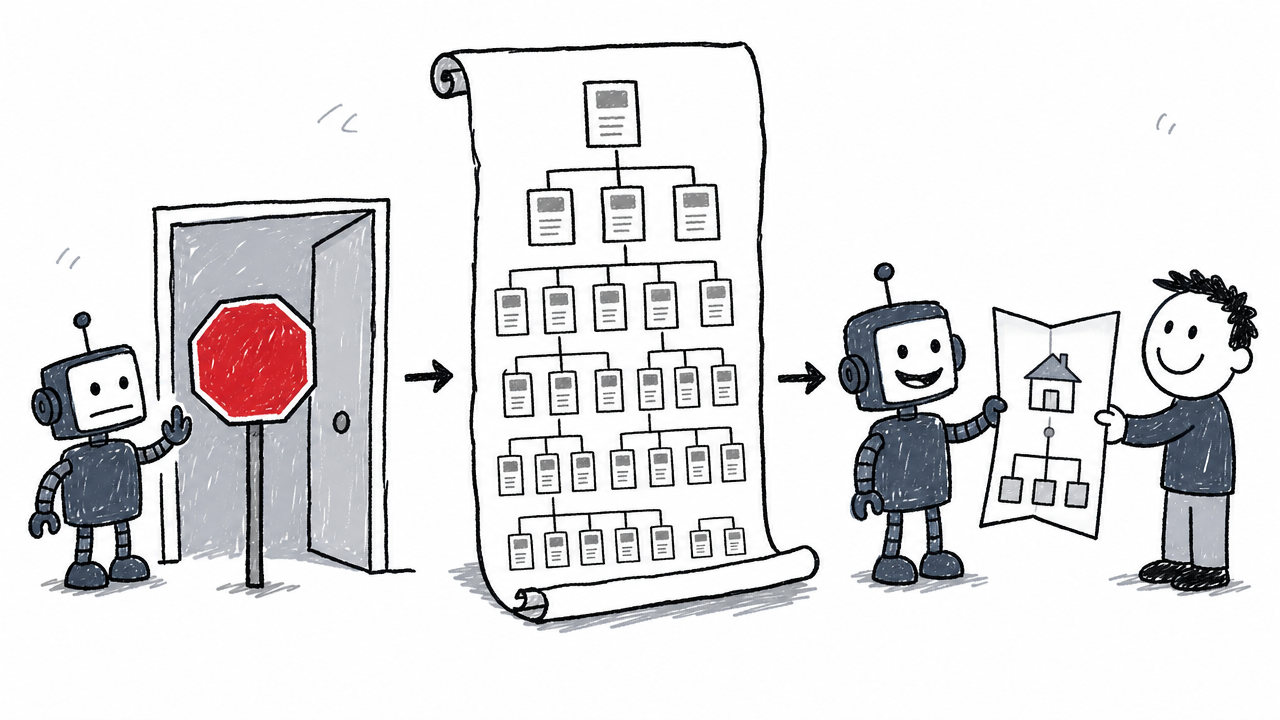
Think of it this way. If robots.txt is a "no trespassing" sign and sitemap.xml is a phone directory, llms.txt is a welcome brochure you hand a visitor at the door: a short overview and a list of the rooms worth visiting. The proposal's rationale is logical, but the existence of the proposal does not prove that major AI platforms pick up the brochure.
The exact llms.txt format
The format is plain Markdown. The Format section of the proposal defines a simple, ordered structure with only one required element: a single H1 heading.
Required and recommended elements
- Optional byte-order mark (BOM): A Unicode BOM may appear at the very start of the file. It is not required.
- One H1 heading (required): The site or project name. This is the only element the proposal mandates.
- Blockquote summary: A short paragraph inside a Markdown blockquote (
>) explaining what the site does. - Optional prose: Paragraphs, lists, or other Markdown content that helps an LLM understand the project. This appears before any H2 sections.
- H2 sections with file lists: Zero or more
##headings, each containing a list of Markdown hyperlinks. Each link can include a colon followed by a brief description of the page. ## Optionalheading: A special section. Links placed here signal lower-priority content that an LLM may skip when operating under a tight context budget.
All links should be standard Markdown links ([anchor](URL)). Descriptions follow the link after a colon. The proposal does not mandate a specific number of links, a file-size ceiling, or a particular MIME type.
What does an llms.txt example look like?
Below is an annotated example following the proposal's structure:
# Example Co

> Example Co provides workflow software for small businesses
> to manage projects, approvals, and reporting.

The canonical resources below explain the product, setup
process, and support policies.

## Product

- [Product overview](https://example.com/product): Explains the core product and its main use cases.
- [Pricing](https://example.com/pricing): Lists current plans, limits, and billing terms.

## Documentation

- [Getting started](https://example.com/docs/getting-started): Shows new users how to create their first project.
- [API reference](https://example.com/docs/api): Documents available API endpoints and authentication.

## Optional

- [Company history](https://example.com/about): Background information about the company.
Why this works:
- One clear H1 identifies the site.
- The blockquote gives context before any links appear.
- Grouped sections let an LLM scan by topic.
- Descriptive annotations explain each link's role, reducing guesswork.
## Optionalflags lower-priority pages.- Absolute URLs make the file portable: it works regardless of where or how an LLM retrieves the content.
Where should llms.txt be placed?
Place the file at the site root so it is accessible at https://example.com/llms.txt. The llmstxt.org proposal specifies this root-level location, following the same convention as robots.txt.
A "site root" means the top-level domain or subdomain, not a documentation subpath like /docs/llms.txt. Some platforms, notably Mintlify, also serve the file at /.well-known/llms.txt as a compatibility path. That is a platform-specific choice, not a universal requirement from the proposal.
What is llms-full.txt?
llms-full.txt is an optional companion file that provides a larger, consolidated Markdown export of a site's key content. Where llms.txt is a curated index with links and short descriptions, llms-full.txt contains the page content itself, giving an LLM fuller context without making separate HTTP requests.
The original proposal mentions the concept, but llms-full.txt is not a required part of every setup. Documentation platforms like Mintlify and GitBook generate it for their hosted docs. Publishing one makes the most sense for sites with extensive reference content that gains from a single consolidated view.
How does llms.txt compare to robots.txt and sitemap.xml?
These four files serve different purposes. The comparison below, informed by the Existing Standards section of the proposal, makes the boundaries clear:
The critical takeaway: llms.txt is a content summary and curated link list. It does not grant, deny, or change crawler access to anything.
How to create an llms.txt file
Manual method: Open any text editor, write the Markdown following the format above (H1, blockquote, sections, annotated links), save the file as llms.txt, and upload it to your site's root directory. For llms-full.txt, compile the Markdown content of your key pages into a single file and upload it alongside.
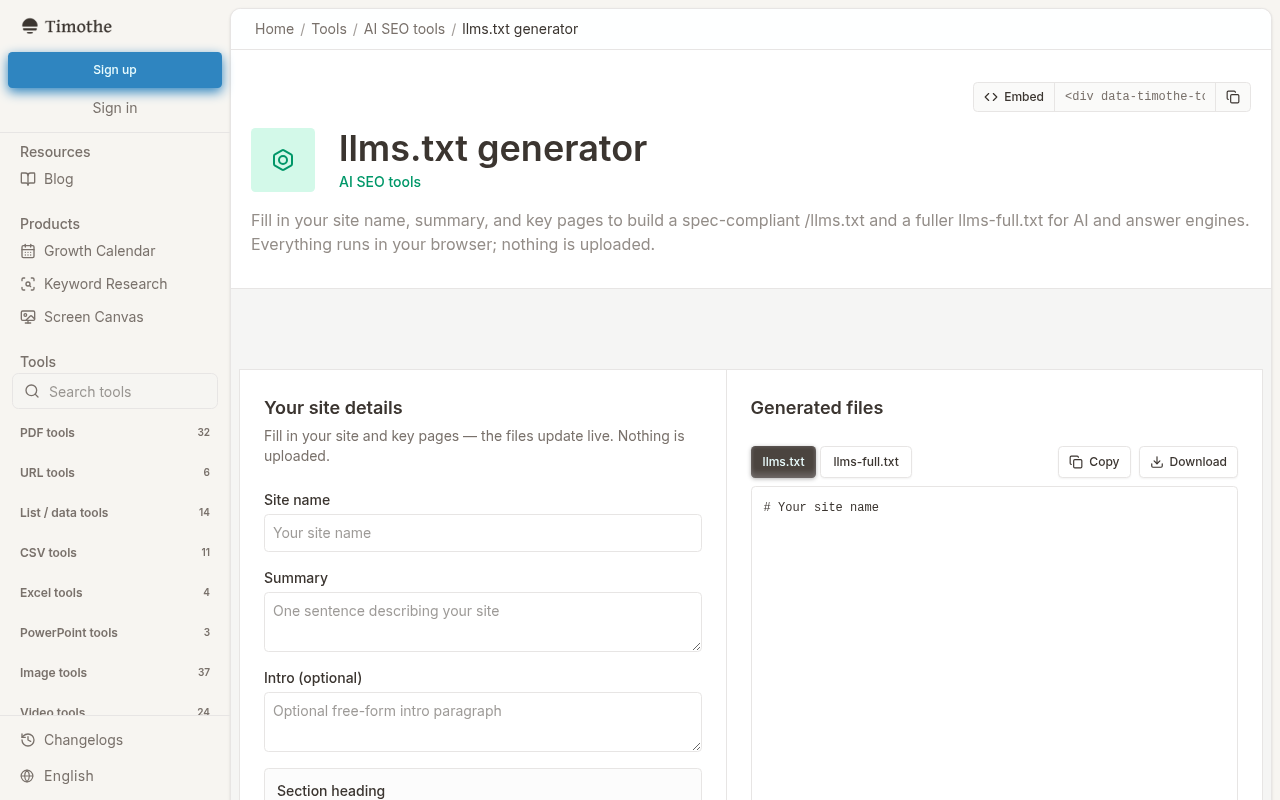
Faster path: The free llms.txt generator from Timothe AI builds both llms.txt and llms-full.txt in the browser. Enter your site details and key-page links, and it produces spec-compliant files ready to download. Your inputs stay local in the browser, so nothing is stored server-side. The tool handles the formatting; you handle the editorial decision of which pages to include. It is a creation tool, not a citation-monitoring product. For a deeper walkthrough of the generation process and editorial choices involved, see our upcoming guide on building your llms.txt file with a generator.
After generating or writing the file, upload it so that https://yourdomain.com/llms.txt returns a 200 response with the expected Markdown content. Verify with a simple curl or browser request.
Does llms.txt work?
"Work" can mean at least four different things, and the evidence differs for each.
Does the file pass format compliance checks?
Yes. Chrome Lighthouse includes an llms.txt audit under its agentic-browsing category. A well-formed file at the root passes. A missing file (404 response) makes the audit "Not Applicable" because, as Chrome for Developers states, the convention is currently optional. The file has a compliance check, but that check treats absence as acceptable.
Do AI crawlers retrieve the file?
A server-log request proves retrieval, not influence. To check:
- Open your server's access logs (raw log files or a log management tool).
- Filter for
GET /llms.txt. - Match the
User-Agentstring against documented crawlers:GPTBot,OAI-SearchBot,PerplexityBot,Perplexity-User,Googlebot,ClaudeBot, or others.
If you see a request, a crawler fetched the file. That does not tell you whether the contents shaped an answer, generated a citation, or drove a referral visit. Retrieval and influence are separate events.
Does Google use llms.txt?
No. Google's AI optimization guide states that Google Search does not use llms.txt or similar special files for its Search results or generative features (AI Overviews, AI Mode). Google recommends focusing on conventional SEO: crawlability, indexing, high-quality content, clear site structure, and access for Googlebot.
This is the single strongest piece of evidence in the entire adoption picture. The largest search engine has said the file is not a factor.
Do ChatGPT, Perplexity, or Claude read llms.txt?
The official crawler documentation reviewed for each platform does not confirm consumption of publishers' llms.txt files:
- OpenAI: The OpenAI crawlers page documents
robots.txtcontrols for OAI-SearchBot (ChatGPT Search) and GPTBot (training). It does not documentllms.txtas a supported mechanism for publisher content signals. - Perplexity: The Perplexity crawlers page documents
robots.txtand WAF allowlisting for PerplexityBot. It does not establish that PerplexityBot consumes publishers'llms.txtfiles. - Anthropic/Claude: No public crawler documentation reviewed confirms that Claude consumes publishers'
llms.txtfiles.
The absence of documentation does not prove the file is never fetched, but it is not evidence of support either. If platform behavior changes and documentation is updated, this assessment should be revisited.
Does llms.txt improve AI citations or visibility?
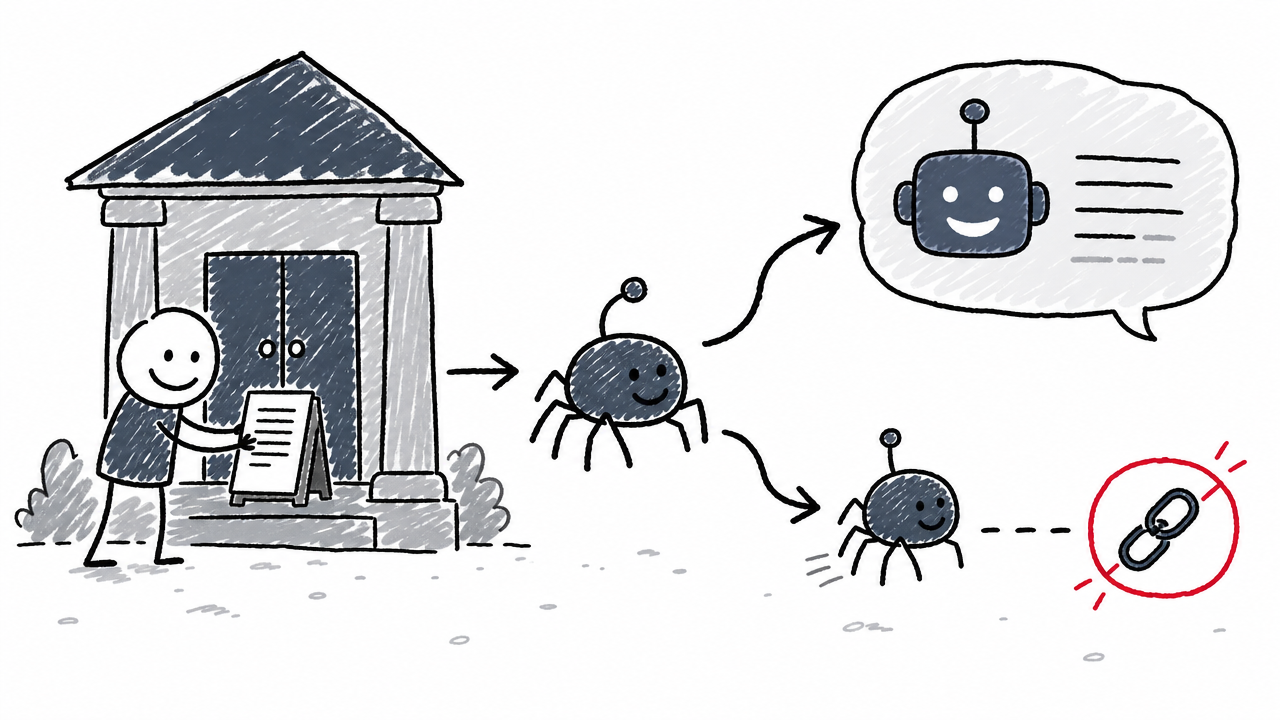
No primary source reviewed confirms a general citation, visibility, or referral benefit from publishing llms.txt. Some vendor commentary and community discussions claim improvements, but those claims lack support from the primary sources cited in this article.
Define the terms, because they are often conflated:
- Citation: The AI answer names or links to your site as a source.
- Mention: Your brand or content appears in the answer text without a formal source link.
- Visibility impression: Your content influenced the answer, but there is no visible attribution.
- Referral visit: A user clicks through from an AI-generated answer to your site.
These are four different outcomes. None has been shown, in any primary source reviewed, to increase as a result of publishing llms.txt.
What adoption looks like today
Some documentation platforms auto-generate the file. Mintlify hosts an auto-generated llms.txt and llms-full.txt for its customers. GitBook offers similar Markdown exports and discusses the convention for documentation sites.
Several AI companies and developer-focused organizations publish llms.txt for their own documentation. This shows publisher-side adoption: sites choosing to make their content available in a structured Markdown format. It does not show universal engine-side consumption. The fact that OpenAI publishes an llms.txt for its own API docs, for example, is not evidence that ChatGPT Search parses external publishers' llms.txt files.
The honest summary: adoption is real but concentrated in developer documentation. Broad consumption by major AI answer engines remains undocumented.
Should you publish an llms.txt file?
Verdict: Yes, in most cases, but with the right expectations and the right priority order.
First, get conventional SEO right. Crawlability, indexing, quality content, clear structure, and access for documented crawlers remain the foundation. Google's generative features are rooted in its core Search ranking and quality systems. No llms.txt file substitutes for that work. For a broader look at how conventional SEO connects to generative search visibility, see our complete guide to AI search engine optimization.
Second, if the cost is trivial, publish the file. With a generator like the free Timothe AI tool, creation takes minutes. Documentation-heavy sites, developer-facing products, and API platforms gain the most because their content aligns with the file's structure. A clean llms.txt is low-cost, future-facing infrastructure: if AI platforms formalize support later, the file is already in place.
Third, do not defer higher-impact work to create it. Publishing the file should not delay fixing crawl errors, improving thin content, building internal links, or earning authoritative backlinks. Do not expect a ranking or citation lift.
Frame it as an experiment: publish the file, watch server logs for retrieval, maintain a fixed set of AI prompts to track citations and referrals before and after, and document other changes happening at the same time. Treat observed results as a signal worth exploring, and investigate them before assuming causation.
FAQ
What does llms.txt stand for?
"LLMs" stands for large language models. The .txt extension follows the convention of root-level plain-text files like robots.txt. The name signals that the file is intended for LLM-based clients.
Is llms.txt a standard or just a proposal?
A proposal and emerging community convention, not a ratified web standard. Chrome for Developers calls it an "emerging convention" and treats the file as optional in its Lighthouse audit. The llmstxt.org proposal is the format authority.
Can llms.txt block AI crawlers?
No. The file is a content summary and curated link list, not an access-control mechanism. To block or allow specific AI crawlers, use robots.txt directives for their documented user agents (e.g., GPTBot, PerplexityBot).
Does llms.txt improve SEO rankings?
Google's AI optimization guide states that Google Search does not use llms.txt for its search results or generative features. No primary source reviewed confirms a ranking benefit from publishing the file.
How can you tell whether an AI crawler has fetched your llms.txt?
Check your server access logs for GET requests to /llms.txt. Match the User-Agent string against documented crawlers such as GPTBot, OAI-SearchBot, or PerplexityBot. A log entry confirms retrieval of the file. It does not confirm that the file influenced any AI-generated answer or citation.