
Best Free Keyword Research Tools for Solopreneurs 2026
Explore the best free keyword research tools for solopreneurs, from Google Keyword Planner to Ahrefs' free generator, with a zero-dollar workflow you can start


Google Keyword Planner is the strongest free starting point for broad search demand estimates. Google Search Console is more valuable if your site already gets impressions. Tools like Google Trends, Ahrefs' free generator, and Keyword Tool fill specific gaps such as seasonality, difficulty snapshots, and long-tail discovery. Below, we break down the top free options by the job each one does.
How we chose these tools
Every tool in this roundup must be usable at zero cost for real keyword research, not just a seven-day trial with a credit card hold. We evaluated each option across six dimensions: data quality (does it return volume, difficulty, or just suggestions?), free-plan limits (daily caps, monthly caps, or no limit?), signup and billing requirements (email only, Google account, or full ad-account setup?), export options (can you get data into a spreadsheet?), ease of use for a one-person operation, and fit for SEO vs. PPC.
We distinguish four tiers of "free":
If a tool's free limits were unclear or changed recently, we note that and recommend you verify before signing up.
Quick comparison table
Free limits and features are time-sensitive. Confirm the current state on each tool's official page before committing.

The best free keyword research tools
Google Keyword Planner: best starting point for search demand and PPC data
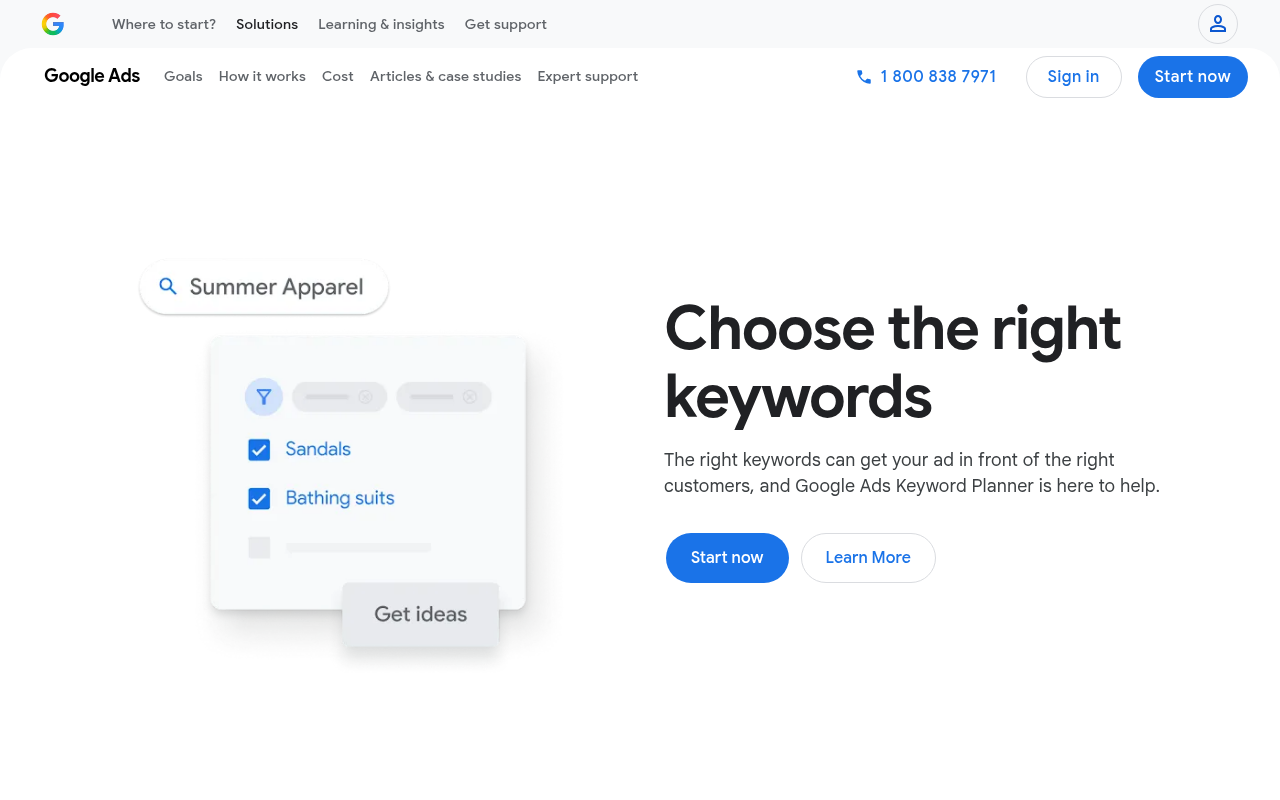
Google Keyword Planner is the most reliable free source for estimating how many people search for a given term on Google each month. It also provides cost-per-click (CPC) estimates, ad competition levels, and forecasts, making it the default starting point for solopreneurs checking whether a keyword has real demand.
Who it's best for: Anyone starting keyword research from scratch, especially if you're also considering Google Ads.
Standout trait: Two core workflows in one tool. "Discover new keywords" takes a seed keyword or URL as input, while "Get search volume and forecasts" accepts a bulk keyword list. You get average monthly search estimates, three-month and year-over-year trends, suggested bids, and competition indicators. Google states the tool helps you "discover keyword ideas related to your products, services, or website" and provides "estimates of monthly searches and the cost to target them" (Google Ads Keyword Planner).
Limitation: Keyword Planner is built for advertisers. Without active ad spend, volume appears as broad ranges (e.g., "1K–10K") rather than precise numbers. The account setup flow may ask for billing information or prompt you to create a campaign. Verify the current signup experience before committing (Google Ads Help). Also, "competition" here means PPC advertiser competition, not organic ranking difficulty.
Google Search Console: best for sites that already rank
Google Search Console is the only tool that shows you the exact queries driving real clicks and impressions to your own site, straight from Google's first-party data. If your site already has some search presence, start here.
Who it's best for: Solopreneurs with an existing site that already receives Google impressions, even modest ones.
Standout trait: The Performance report surfaces queries, clicks, impressions, click-through rate (CTR), and average position for your verified pages. Google describes Search Console as "a free service that helps you monitor, maintain, and troubleshoot your site's presence in Google Search results" (About Search Console). This data is perfect for finding "almost ranking" keywords (position 8–20) where a content refresh could produce a quick win.
Limitation: Search Console tells you only about your own site. It provides no broad market data, no competitor research, and nothing useful for a brand-new site with zero impressions. It also cannot show you every query: Google filters out very low-volume or sensitive searches (Performance report).
Google Trends: best for seasonality and emerging topics
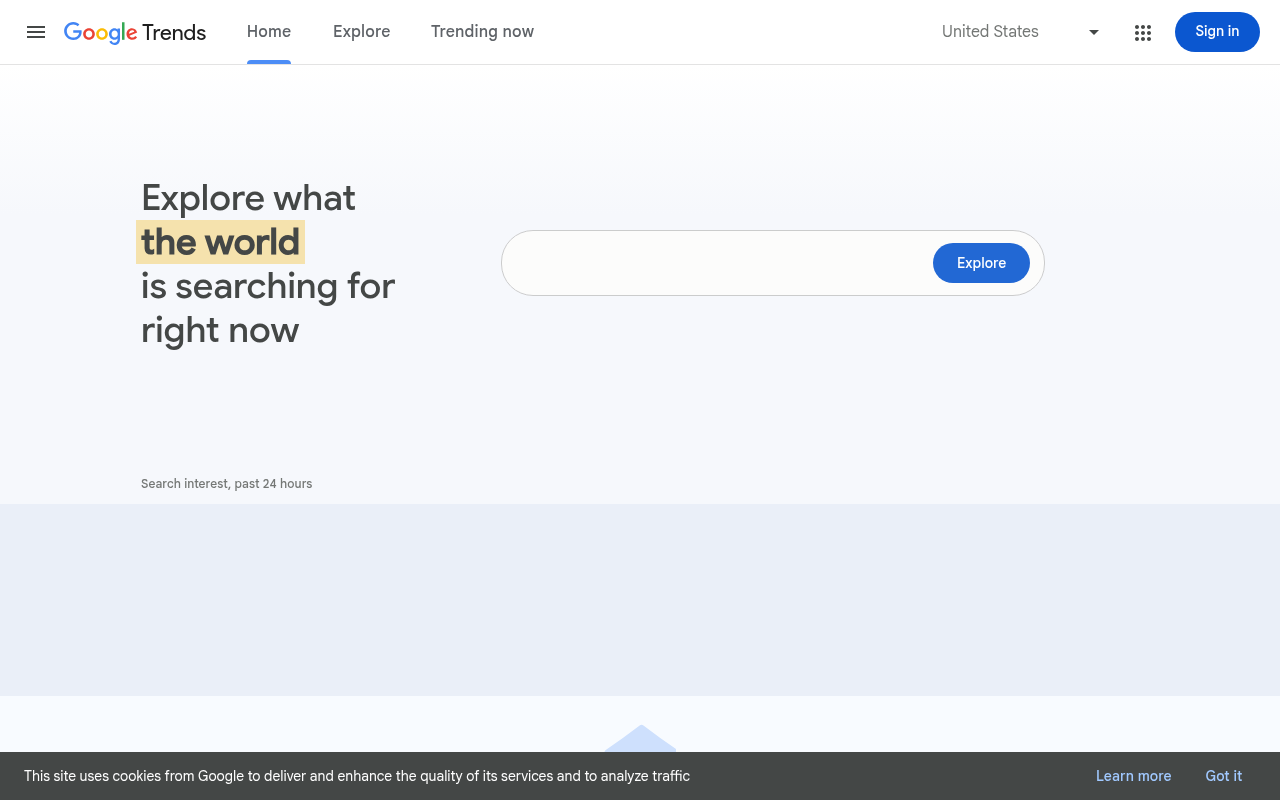
Google Trends answers a question no other free tool handles well: is interest in a topic rising, falling, or seasonal? Before committing weeks of effort to a keyword, a 30-second Trends check can reveal whether demand peaks in December and flatlines in July.
Who it's best for: Solopreneurs planning a content calendar who need to time their topics, or anyone trying to catch an emerging trend early.
Standout trait: Relative interest over time (normalized to a 0–100 scale), geographic breakdowns, related queries, and trending searches. Google says Trends uses "a largely unfiltered sample of actual Google searches" and handles "billions of searches per day" (Google Trends FAQ).
Limitation: The 0–100 scale shows relative popularity, not absolute monthly search volume. A term that shows "0" may still get searches; it just falls below Google's sampling threshold. Google warns that Trends data should be "treated as one data point rather than a polling or popularity measurement" (Google Trends FAQ).
Ahrefs free keyword generator: best quick difficulty and SERP snapshot
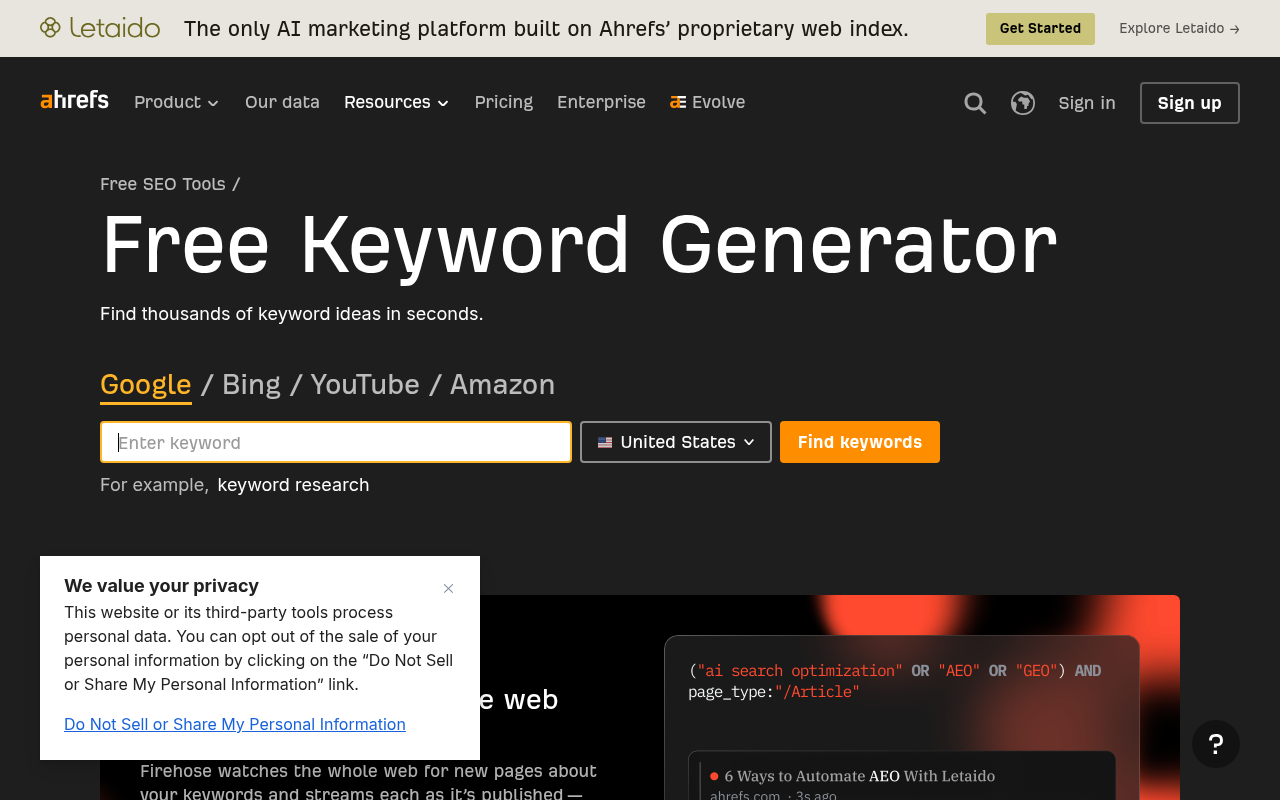
Ahrefs' free keyword generator gives you what most free tools lack: a keyword difficulty (KD) score and a glimpse of SERP metrics alongside your keyword ideas, powered by a database of more than 8 billion queries (Ahrefs Keyword Generator).
Who it's best for: Solopreneurs who want a fast difficulty estimate and parent-topic context without paying for a full SEO suite.
Standout trait: Six keyword-idea report types (phrase match, having the same terms, also-rank-for, search suggestions, questions, and related terms). Results can include local and global monthly search volume estimates, KD scores, CPC, SERP features, parent topics, and ranking-page metrics. The tool also supports research across several search engines, including YouTube, Bing, Yahoo, and Amazon (Ahrefs Keyword Generator).
Limitation: The depth of results and the specific metrics available without a paid Ahrefs subscription are subject to change. Confirm the current free-tier limits before relying on it as your primary research source.
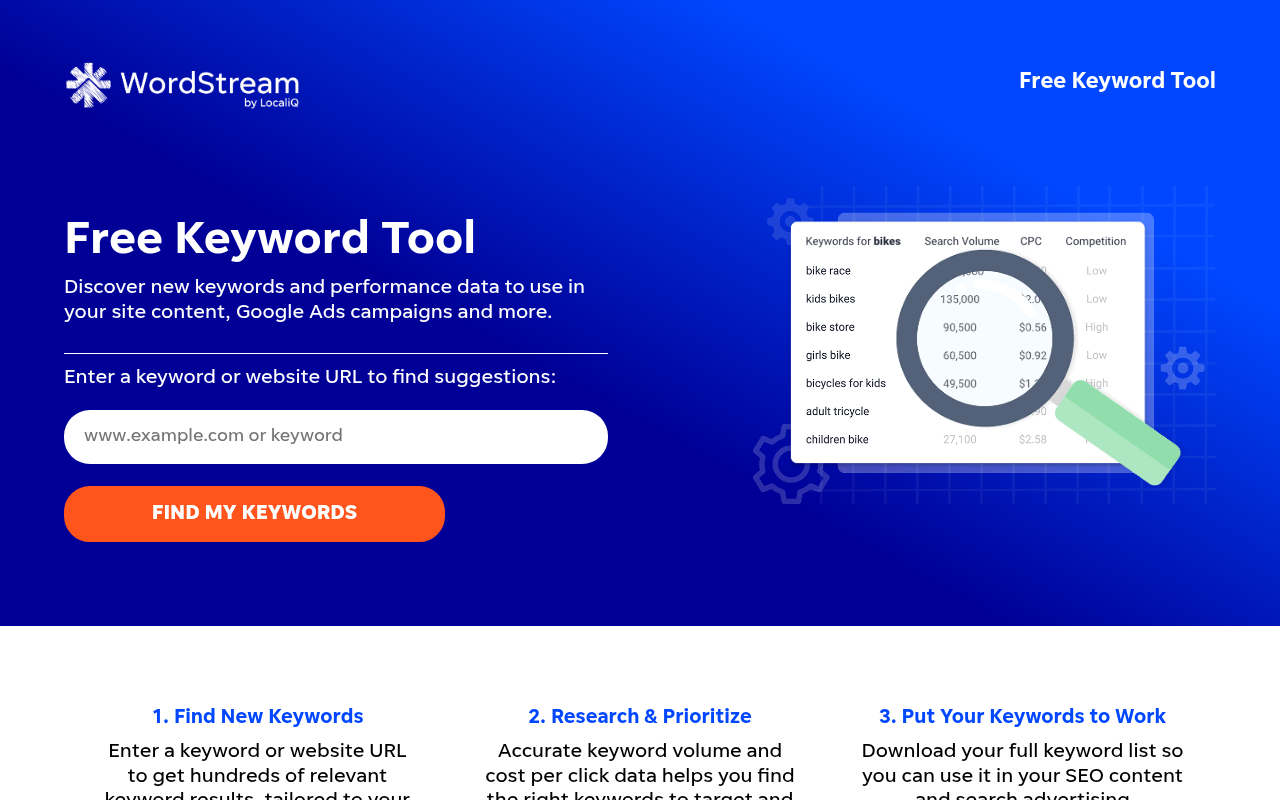
Semrush free keyword tool: best free taste of a full SEO suite
Semrush offers a free version of its Keyword Magic Tool engine that surfaces keyword suggestions, monthly search volume, keyword difficulty, search intent labels, and CPC data. It gives you the broadest snapshot of any free tool in this list.
Who it's best for: Solopreneurs who want to see what a premium SEO suite offers before committing to a subscription.
Standout trait: Beyond raw keyword ideas, the free tool tags each keyword with a search intent type (informational, commercial, transactional, or navigational) and shows difficulty alongside volume. Country-level filtering, including the United States, is available. This is a preview of the full Keyword Magic Tool (Semrush Free Keyword Tool).
Limitation: Free access comes with a daily report cap that limits how many searches you can run. The exact number of reports changes; verify the current allowance in the live interface. The premium Keyword Magic Tool, with bulk analysis and advanced filters, is a separate paid upsell.
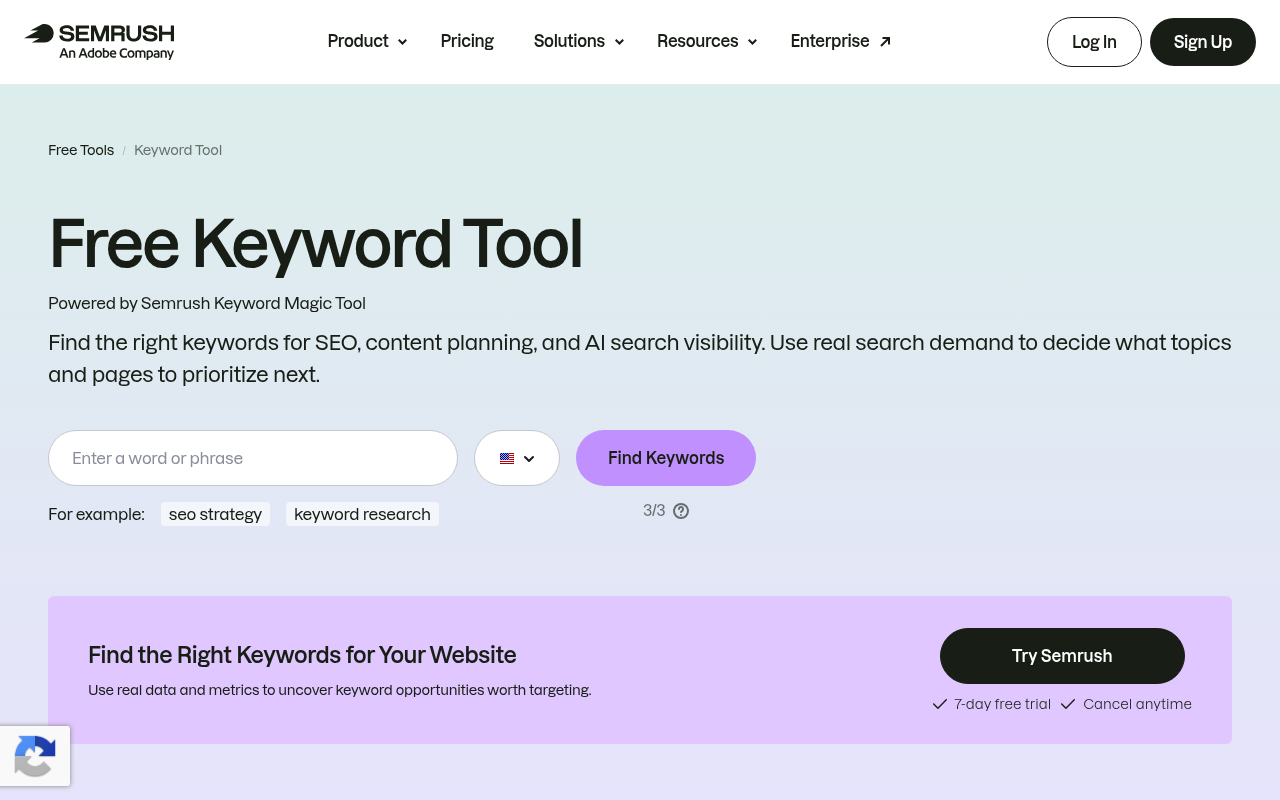
Keyword Tool: best for autocomplete and multi-platform long tails
Keyword Tool mines autocomplete suggestions from more platforms than any other free tool: Google, YouTube, Bing, Amazon, eBay, Perplexity, TikTok, Instagram, Pinterest, app stores, and more. If you sell on several platforms or create video content, this is your first stop for long-tail keyword discovery.
Who it's best for: Solopreneurs who need keyword ideas beyond Google, especially for YouTube, Amazon, or social platforms.
Standout trait: The tool claims up to 750+ long-tail keyword suggestions per search and does not require an account for basic use (Keyword Tool). Autocomplete data reflects what real users type, making it a practical source for question keywords, phrase variations, and niche topics you would never find in a traditional planner.
Limitation: The free version shows suggestions only. Search volume, CPC, competition data, and trend charts are locked behind a paid plan. Treat Keyword Tool as an idea-generation engine, then check the best ideas in Google Keyword Planner or another volume source.
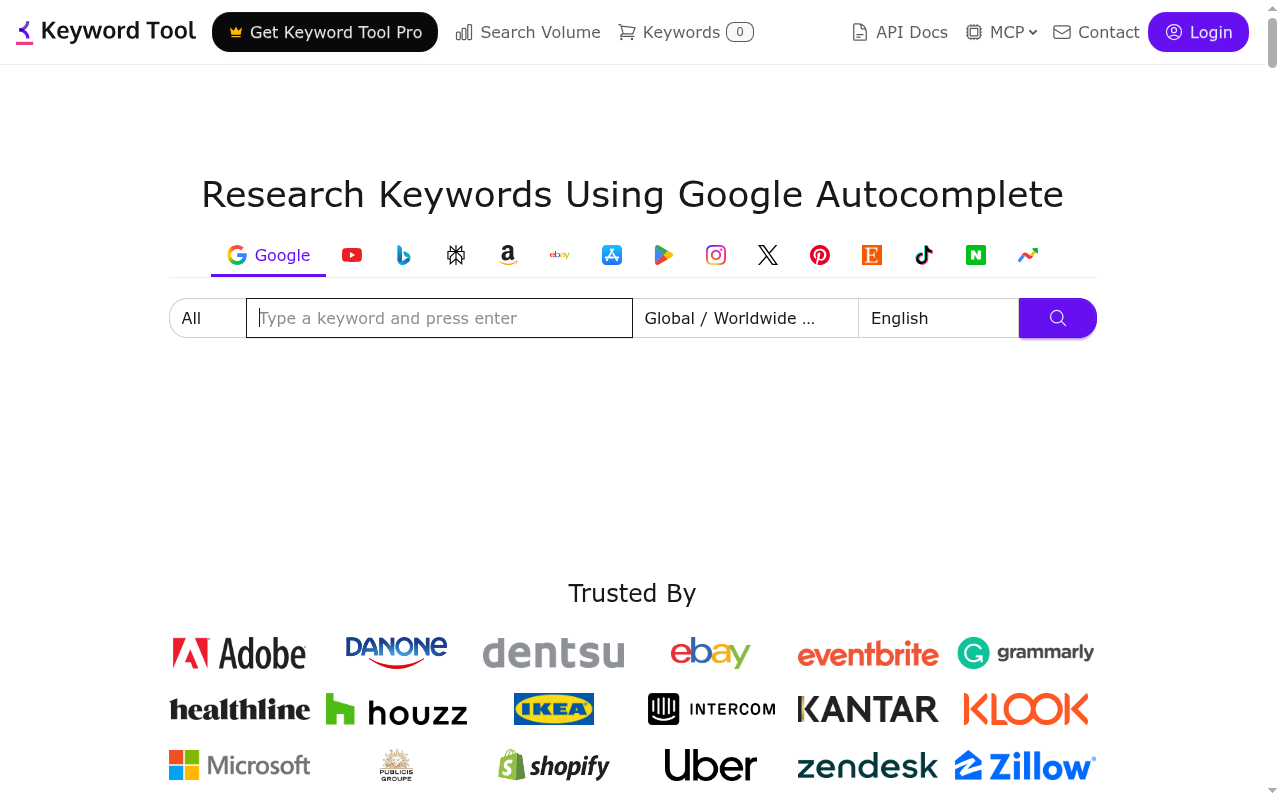
AnswerThePublic: best for question and content-angle discovery
AnswerThePublic visualizes the questions, prepositions, comparisons, and alphabetical expansions people search around any seed keyword. It is the fastest way to find content angles and "People Also Ask" style topics for blog posts, FAQ sections, and video scripts.
Who it's best for: Solopreneurs brainstorming content ideas who want to see the full landscape of questions around a topic.
Standout trait: Enter a seed keyword and get a visual map that clusters queries by question word (who, what, why, how, when, where), prepositions (for, with, near, without), and comparisons (vs., or, and). This makes it easy to spot content gaps and build topic clusters.
Limitation: AnswerThePublic is an ideation tool, not a volume or difficulty tool. It does not tell you how many people search for a given question or how hard it would be to rank. The free daily search allowance is limited; verify the current cap on the AnswerThePublic homepage before relying on it for heavy research sessions.
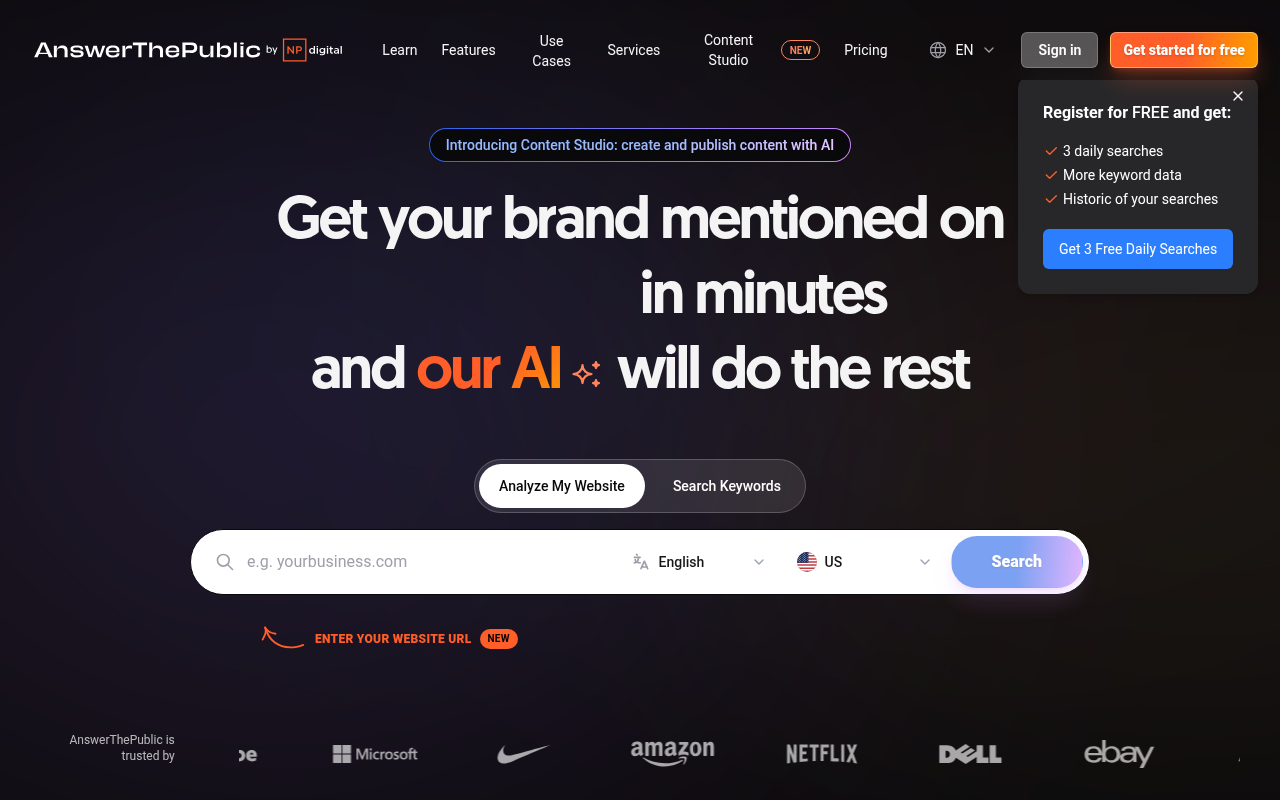
WordStream free keyword tool: best for PPC-oriented research
WordStream's free tool is designed for advertisers but useful for any solopreneur who wants keyword suggestions with volume, CPC, and competition data from both Google and Bing in one place, filtered by industry and location.
Who it's best for: Solopreneurs running or considering paid search campaigns who want quick, industry-specific keyword ideas.
Standout trait: The tool provides keyword suggestions using Google and Bing research APIs, with industry filtering across 24 business verticals and location filtering for more than 23 countries. The first 25 keywords are shown right away, and the full list is sent via email in a downloadable format (WordStream Free Keyword Tool).
Limitation: You need to provide your email for the full keyword list, which adds friction. The tool is also built with paid search in mind, so "competition" scores reflect advertiser density rather than organic ranking difficulty. For pure SEO research, pair it with a tool that offers organic difficulty data, like Ahrefs' or Semrush's free tiers.
What about Ubersuggest and Bing Webmaster Tools?
Two tools deserve mention even though they come with caveats that kept them off the main list.
Ubersuggest (by Neil Patel) offers a beginner-friendly interface that bundles keyword ideas, domain analysis, and content suggestions in one dashboard. Its free-tier limits on daily searches and report depth change often and were not clearly documented on the official page at the time of research. If you test it and the current allowance fits your workflow, it can be a useful supplement. Confirm what you get before relying on it.
Bing Webmaster Tools includes a keyword research feature that shows search phrases and corresponding Bing search volumes for verified site owners. It also provides site-scan, backlink, and reporting features at no cost (Bing Webmaster Tools). The catch: data is Bing-centric. If your audience uses Google, the volume numbers will not reflect your primary search channel. Still, it is worth setting up alongside Search Console for a broader view of your site's keyword footprint.
A practical zero-dollar keyword research workflow
You do not need to pay for a suite to do solid keyword research. Here is a five-step workflow that combines the free tools above into a repeatable process:
Start with Search Console if your site already has impressions. Export the queries report, sort by impressions (descending), and look for keywords where you rank in positions 8 through 20. These are your fastest opportunities because Google already connects your site with those terms.
Check demand with Google Keyword Planner. Paste your candidate keywords into the "Get search volume and forecasts" tool. Even broad ranges (e.g., "1K–10K") help you rank your options. Remember: the "competition" column here reflects advertiser competition for paid ads, not how hard it is to rank organically.
Expand long-tail ideas with Keyword Tool or AnswerThePublic. Plug your top seed keywords into one or both tools to discover question-based and phrase-based variations real people type. These long-tail keywords are often easier to rank for and match specific content angles.
Check seasonality with Google Trends. Before investing time in a topic, confirm that demand is stable or rising. If a keyword spikes every November and you are publishing in March, consider timing your content or choosing a different topic.
Inspect the live SERP manually. Search your target keyword in an incognito window and study page one. Are the top results from massive authority sites, or do you see forums, niche blogs, and thin content? Manual SERP review is the most underrated free competition check available.
This workflow costs nothing and covers the core jobs of keyword research: finding opportunities, checking demand, expanding ideas, timing content, and gauging competition. When you are ready to explore paid tools that integrate research, content planning, writing, and publishing into a single workflow, see our AI SEO tools for solopreneurs guide for a full breakdown.
How to choose the right free tool for your situation
The right tool depends on where you are, not on which tool has the flashiest interface. Use this decision framework:
New site with no traffic yet: Start with Google Keyword Planner to find keywords with real demand, then run them through Keyword Tool to uncover long-tail variations you can target. You have no Search Console data yet, so external tools are your only option.
Existing site looking for quick wins: Open Google Search Console first. Find keywords where you already rank on page two (positions 11 through 20) and update those pages. Use Google Trends to confirm the topic is not declining before you invest in a content refresh.
Need question-based content ideas: AnswerThePublic gives you the broadest set of question variations from a single seed keyword. Use these to plan FAQ sections, blog posts, or video topics.
Want a keyword difficulty estimate: Ahrefs' free generator or Semrush's free tool are your best bets. Keep in mind that difficulty scores differ between tools, so use one tool consistently rather than comparing scores across platforms.
Need data beyond Google (YouTube, Amazon, TikTok): Keyword Tool supports the widest range of autocomplete sources. Ahrefs' free generator also covers YouTube, Bing, Yahoo, and Amazon.
Running paid search campaigns: Google Keyword Planner and WordStream are built for PPC. Their competition and CPC data directly support ad budgeting and bid strategy.
When should a solopreneur start paying for a keyword tool?
Free tools can carry you far, but there are clear signals you have outgrown them:
- Daily caps block your workflow. If you hit Semrush's or AnswerThePublic's free limits before finishing a research session, you are losing momentum.
- You need bulk exports. Free tools typically restrict downloads or limit the number of rows. If you are building a content calendar with dozens of target keywords, manual copy-pasting becomes a time sink.
- You want competitor gap analysis. No free tool lets you compare your keyword profile against a competitor's in a structured way. That feature requires a paid suite like Semrush or Ahrefs.
- You need research, planning, writing, and publishing in one place. Juggling five separate free tools is a time cost in itself. Paid options like Growth Calendar (starting at $29/mo) unify topic research, cluster planning, AI-assisted writing, and a publishing calendar into a single workflow, while suites like Semrush or Ahrefs bundle research and auditing under one subscription.
For a detailed comparison of paid AI-powered options built for solo operators, see the AI SEO tools for solopreneurs guide.
FAQ
Is Google Keyword Planner free?
Yes, the tool itself is free, but you need a Google Ads account. Google's current signup flow may prompt you to enter billing information or create a campaign. Verify the live access experience before committing (Google Ads Help).
Are free keyword research tools accurate?
They provide useful estimates, not exact counts. Google Keyword Planner shows volume as ranges without active ad spend, Google Trends shows normalized relative interest on a 0-to-100 scale, and third-party difficulty scores vary across tools. Cross-reference at least two sources before making content decisions.
Can ChatGPT replace a keyword research tool?
AI chatbots can brainstorm topic ideas, group keywords into clusters, and suggest content angles, but they do not have access to live search-volume or keyword-difficulty data. Use them for ideation, then confirm every candidate keyword with a data-backed tool like Keyword Planner or Ahrefs' free generator.
What is the best free tool for long-tail keywords?
Keyword Tool and AnswerThePublic are strongest for generating long-tail and question-based variations from autocomplete data. Keyword Tool claims up to 750+ suggestions per search across several platforms. Pair either tool with Google Keyword Planner or Ahrefs' free generator to check whether those long-tail terms have measurable search volume.
Is keyword difficulty the same across Semrush, Ahrefs, and other tools?
No. Each tool uses its own formula, so a KD score of 30 in Ahrefs does not equal 30 in Semrush. Treat difficulty as a relative guide within a single tool for ranking keywords against each other, not as an absolute metric you can compare across platforms.